Configuring remote access on the JUNG Visu Pro Server
After you have purchased a licence, now activate the remote access on your JUNG Visu Pro Server.
- Call up the VisServer using the web browser of your end device (PC, laptop, tablet). To do so, enter the address http://localhost:8083/ in the web browser.
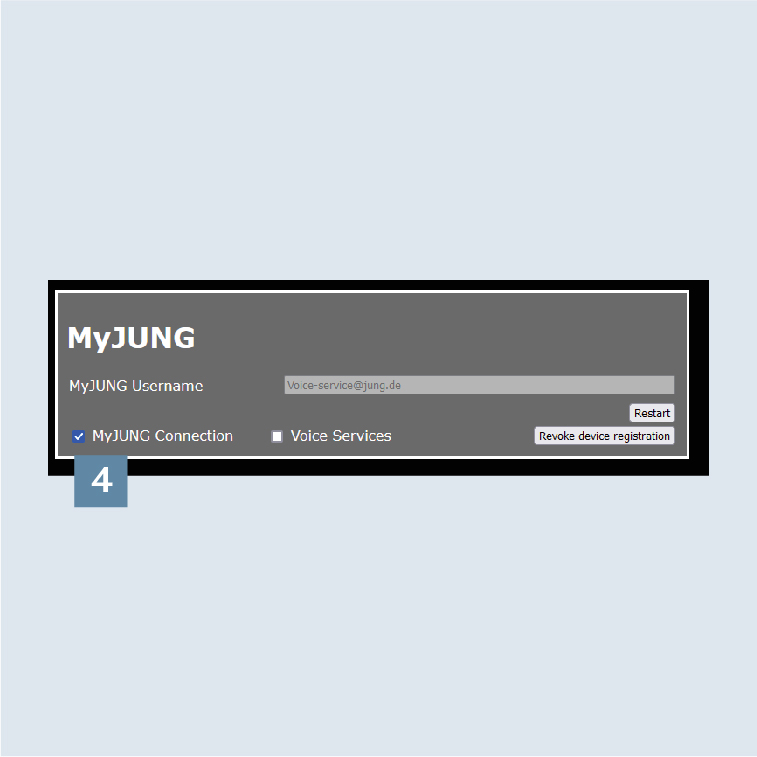
- Login to the
administration areawith the default user nameadminand password0000.
- Login to the administration area of the
VisServer1.
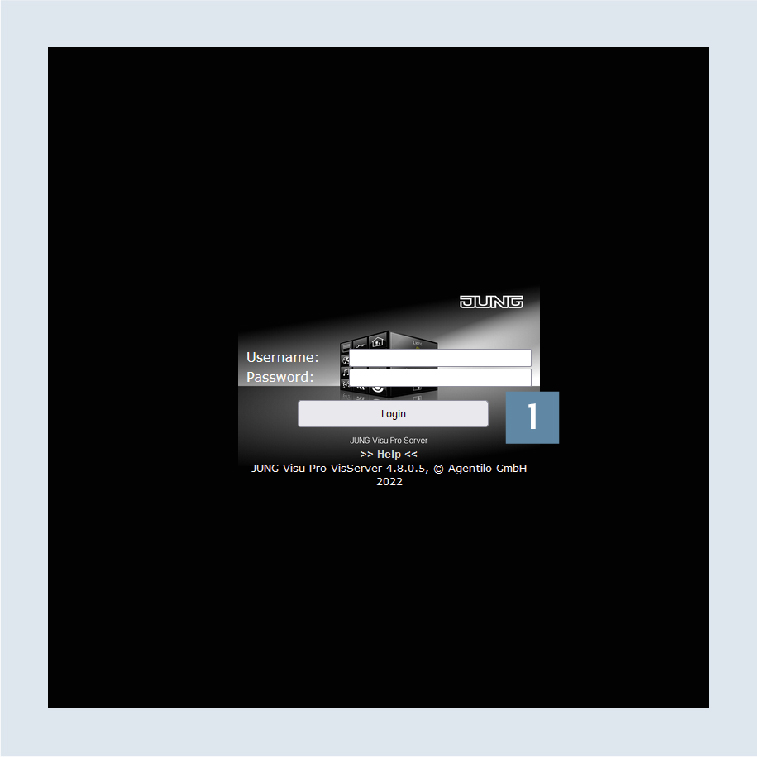
- Navigate to the
MyJUNGmenu item 2 and enter your MyJUNG Username. - Confirm the entry with the
Device registrationbutton 3.
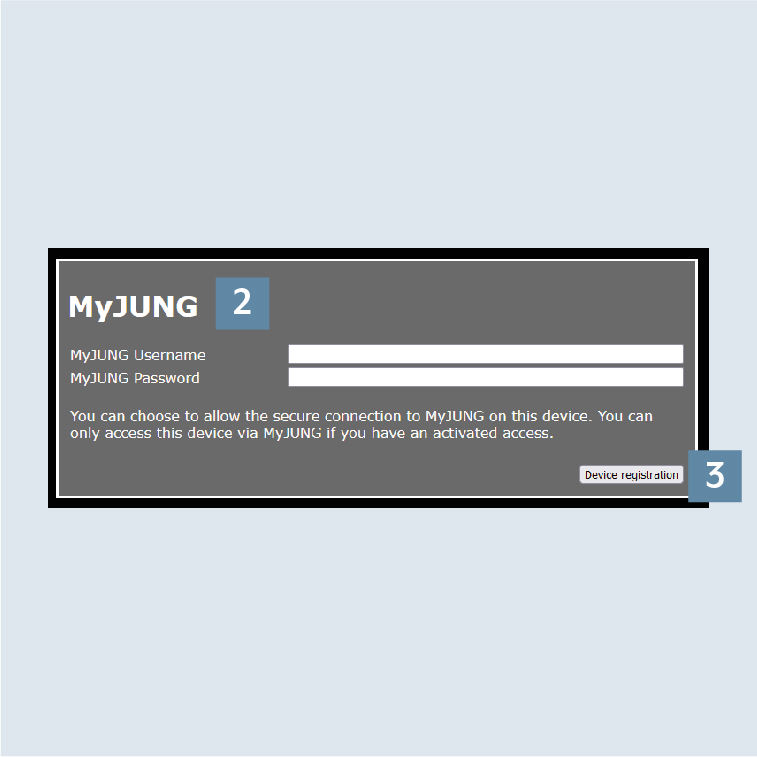
- To activate the remote access, check the
MyJUNG Connectionbox 4.