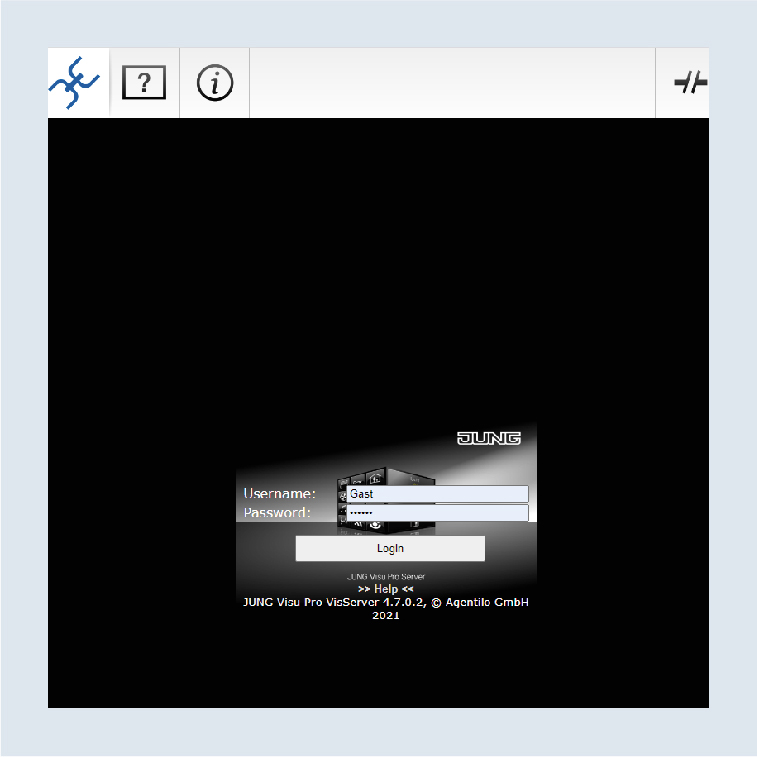
Completing set-up and activating remote access
Go back to the MyJUNG Service Portal and complete the set-up with the following steps.
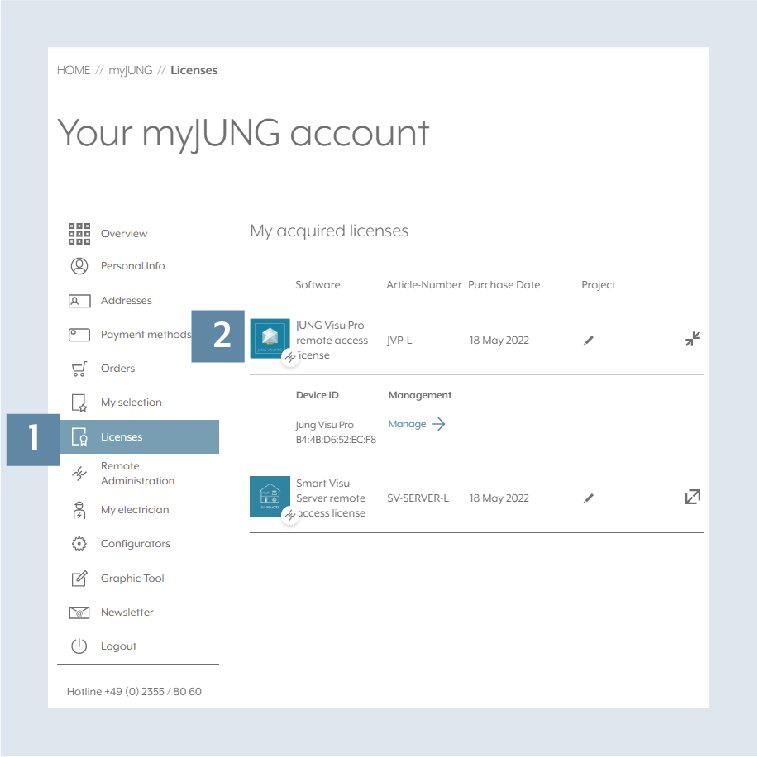
- Open the
Licencestab at www.jung.de 1. - Open the
purchased licence2 and link this to the previously registered JUNG Visu Pro device.
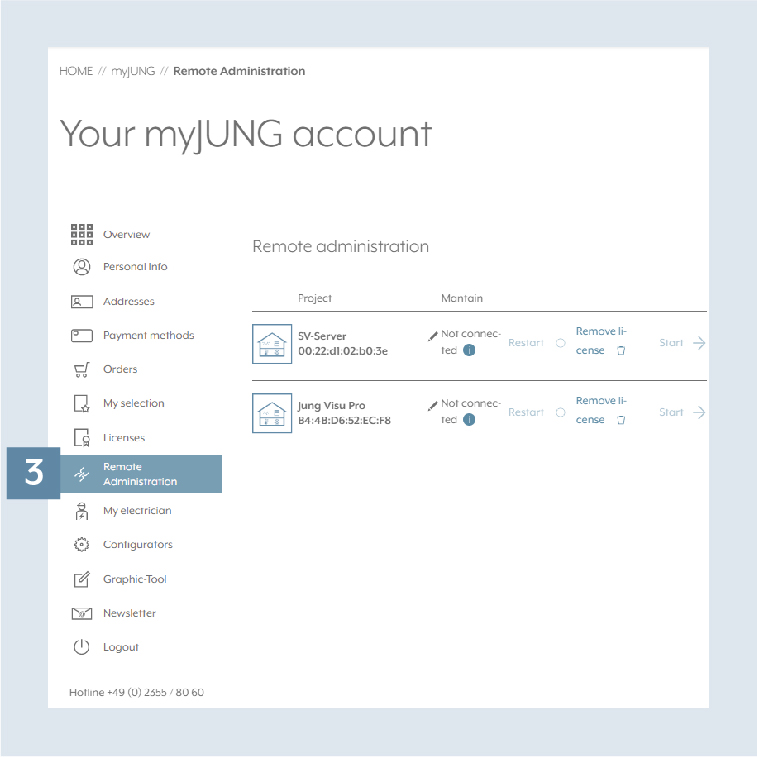
- Then you can edit or rename your devices under
Remote administration3 orStart remote accessvia a PC (browser).
- You can now conveniently access your system and the visualisation via your remote access.