Remote access using iOS
Setting up the MyJUNG remote access for JUNG Visu Pro on your smartphone is carried out with the following steps.
Note
An iOS device is shown in this example.
- Open the general
iOS Settings. - Open the
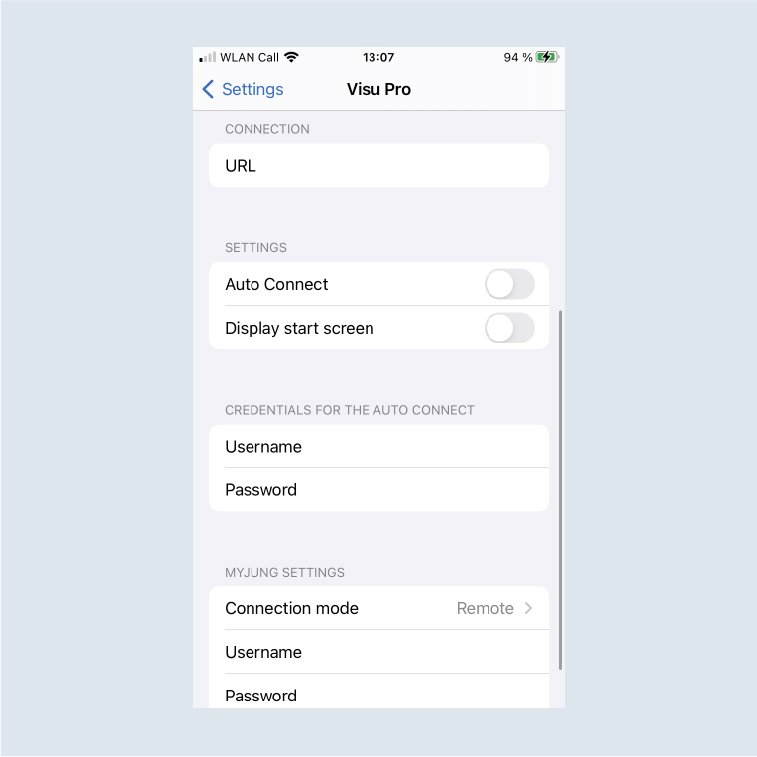
Settings of the JUNG Visu Pro app.
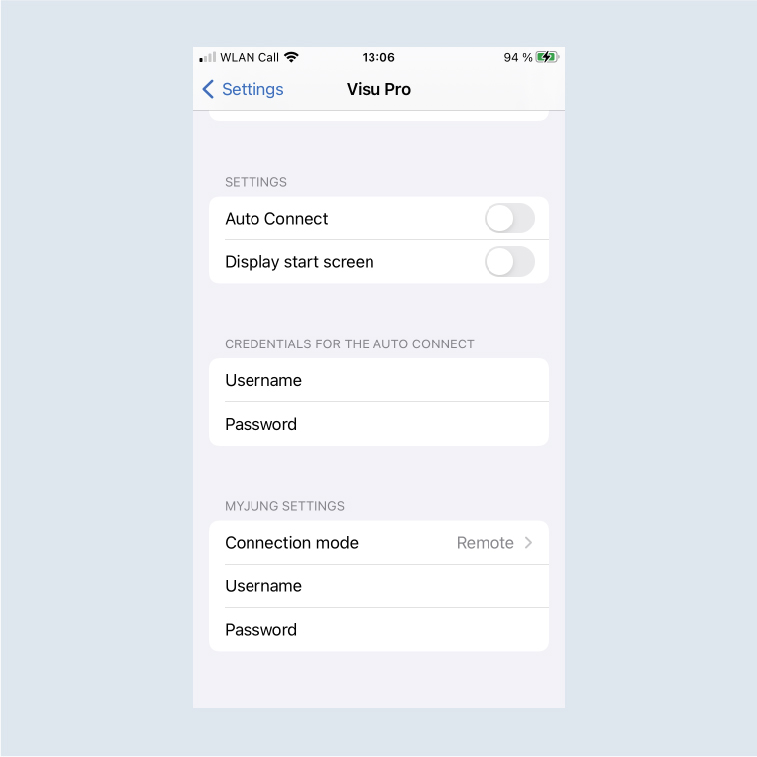
- Tap on
Connection mode. - Change the connection mode to
Remote1.
The connection to JUNG Visu Pro is now made with MyJUNG remote access as soon as you have entered your MyJUNG e-mail address and your MyJUNG password.
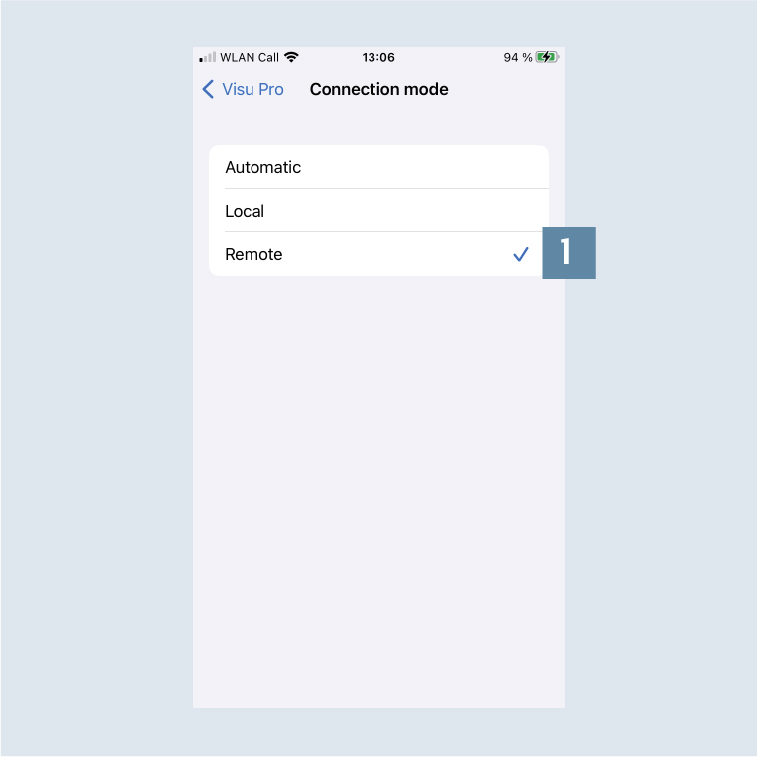
- If you would like the connection to be made automatically locally or remotely dependent on location, select Automatic.
For this, also enter the IP address including port as URL (e.g.: http://192.168.1.200:8083).