Select operating concept
With the JUNG HOME push-button 1-gang / 2-gang (…battery-powered), it is possible to choose between two or four different operating concepts. In contrast to conventional switches and push-buttons, with the JUNG HOME push-buttons both the upper and the lower operating areas of the rocker are evaluated. In this way, up to two functions can be implemented using one rocker.
In the following sections, the individual operating concepts are explained:
Rocker | Rocker
With the operating concept rocker | rocker, per rocker one function can be operated from the different categories (device, area, scene or disabling function). The operation is different depending on device type (switching, dimming, blind):
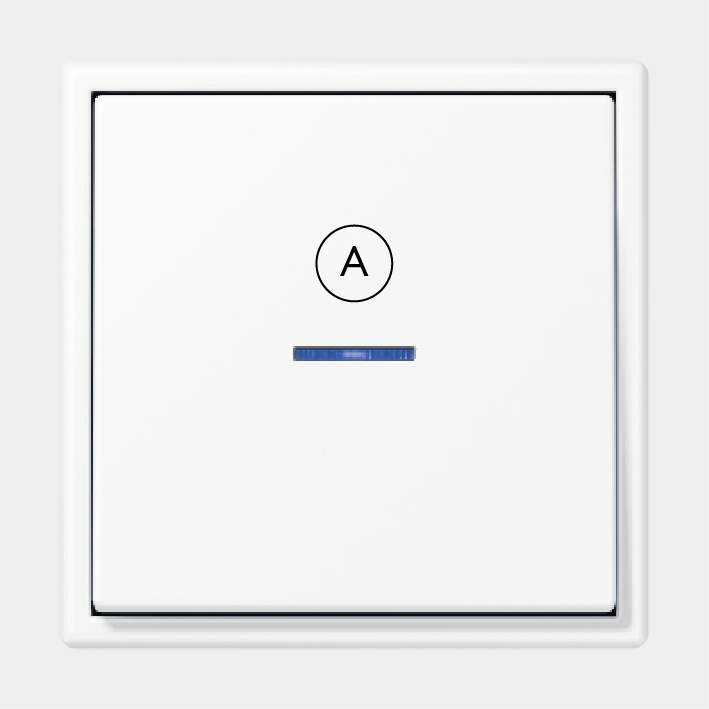
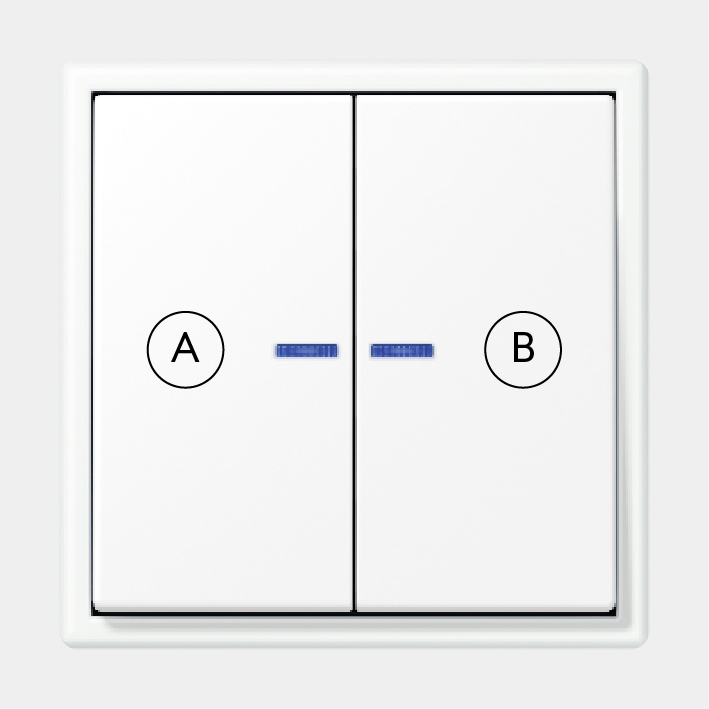

Note: this operating concept is active in the delivery state.
Button | Button
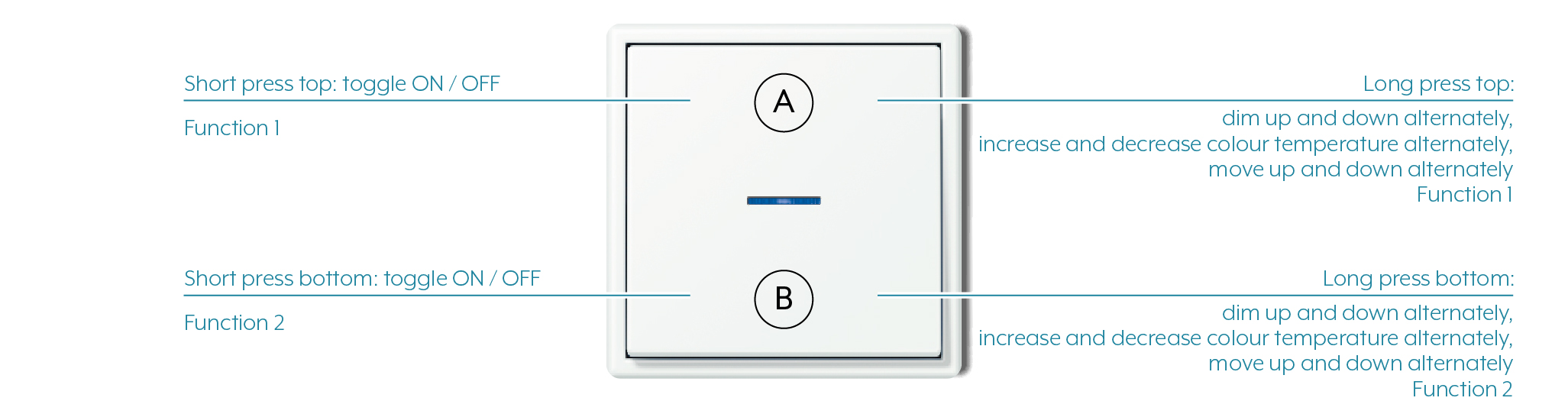
With the operating concept button | button, per rocker two functions can be operated from the different categories (device, area, scene or disabling function). The operation is different depending on device type (switching, dimming, blind):
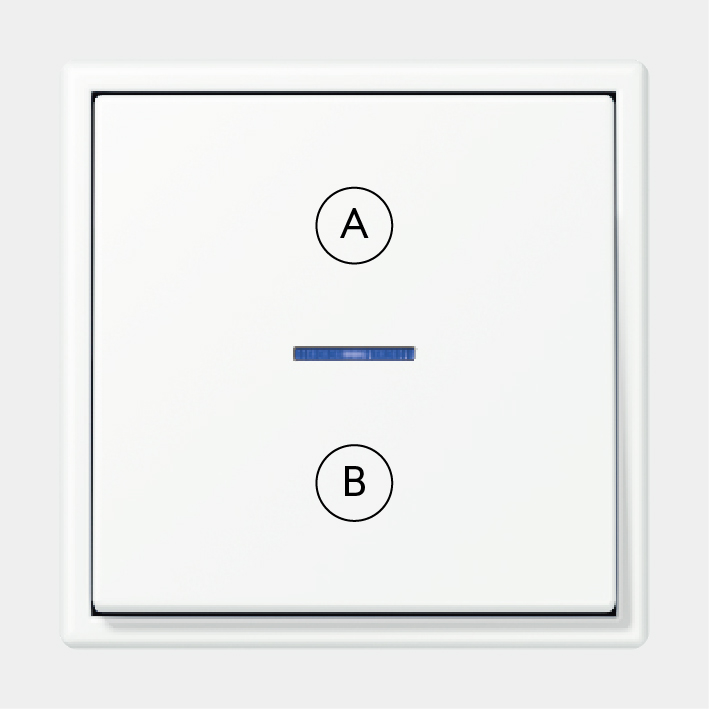
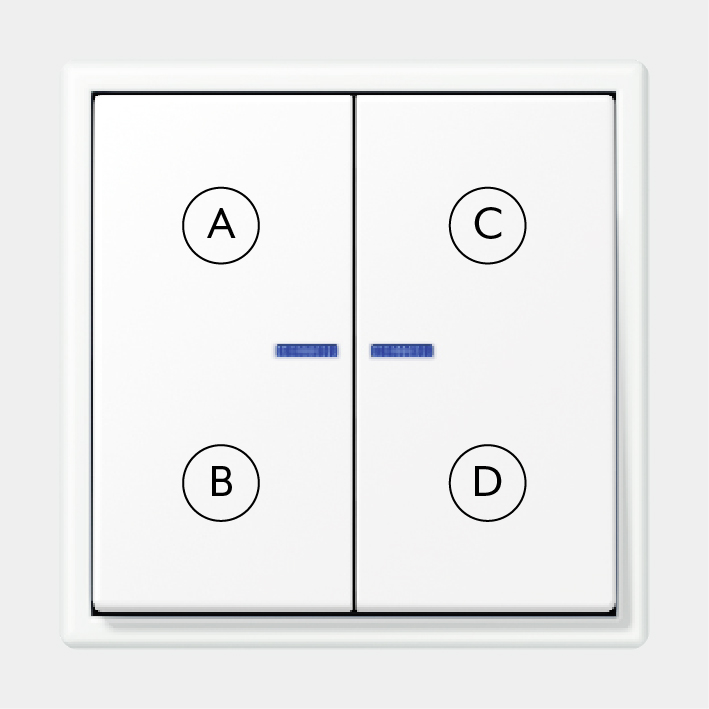
Rocker | Button – Button | Rocker
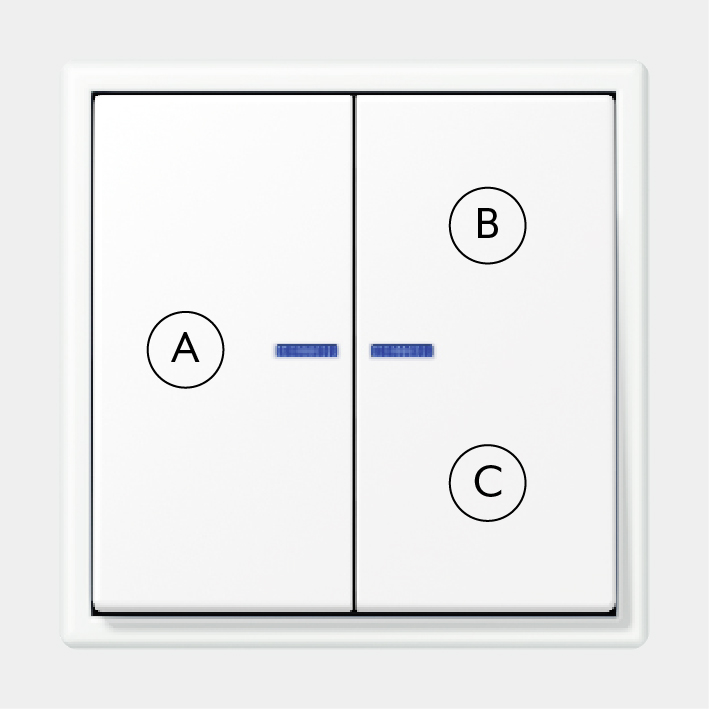
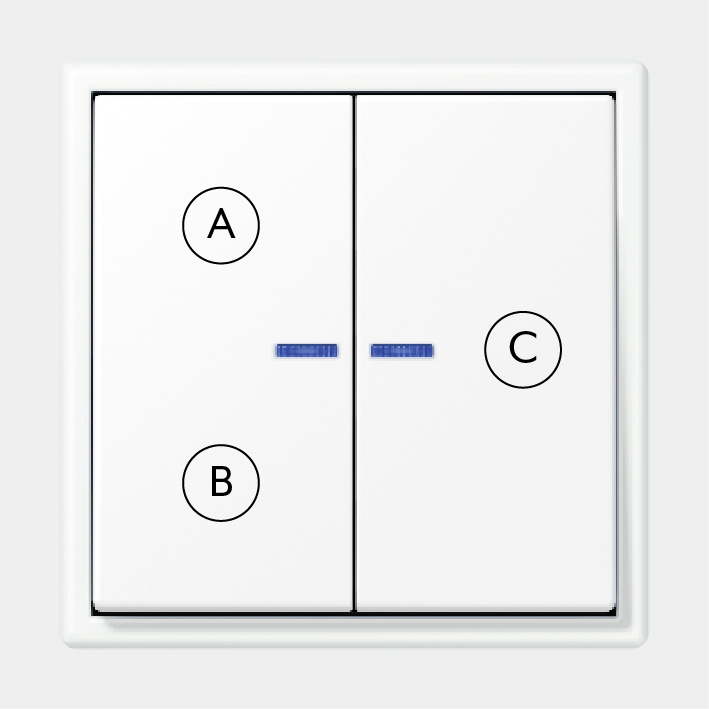
With the rocker | button and button | rocker operating concepts, on one rocker one function can be linked and on the other rocker two functions from the different categories (device, area, scene or disabling function). The operation corresponds to the respective operating concepts rocker | rocker or button | button.
How to select the operating concept can be seen in the following video.