LUXURY
- Property/application size: SI-Suites, 70567 Stuttgart / 192 individually designed rooms and suites
- Operator: Appartment House SI Betriebs GmbH
- Examples of the JUNG devices used: JVP Hotel including external hardware, Smart Control 7, presence detector mini, push-button interface for window contacts
Objective of the project:
General requirements for SI-Suites:
- shade control of the suites (when not occupied by the guest)
- Check-IN guest = locking of the shading of the suite,
- check-OUT = activation of the suite shade control
- Room temperature
- check-IN guest = raising the room temperatures, various temperature profile settings
- check-OUT = fixed room temperature settings
- Light
- check-IN guest = various light scenes are activated,
- Check-OUT = the lighting situation is reset, partially with a time delay (run-on time 30 minutes)
- Bluetooth®
check-IN and check-OUT: deletion of the smartphone Bluetooth® storage of the Bluetooth® gateway, controlled by the Protel hotel management software - General: shade control: reducing the heating-up of the room (summer)
- façade locking for window cleaning
- smartphone operation using an app requested (one app to operate everything)
- Restaurant area: lighting can be individually adjusted and saved
- Request: TV remote control (switch on and desired channel) using KNX-JVP remote TV control
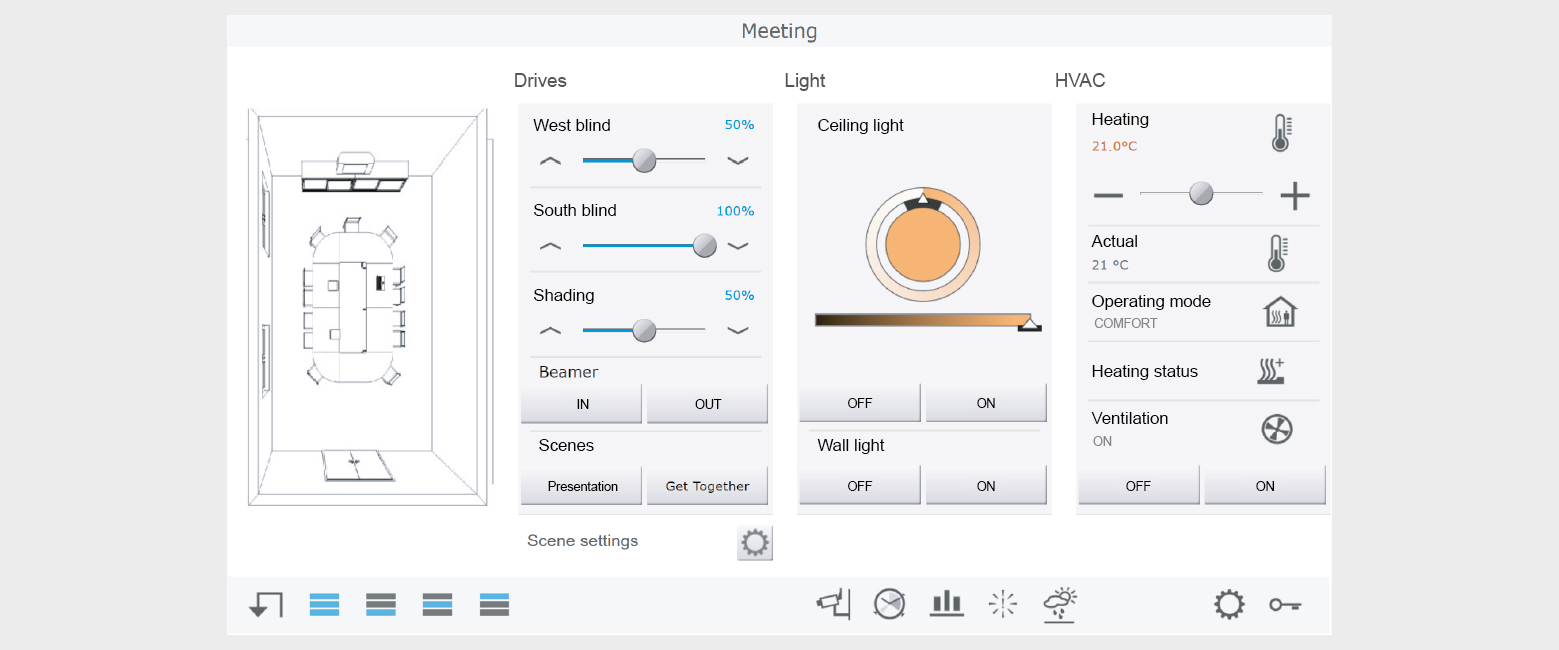
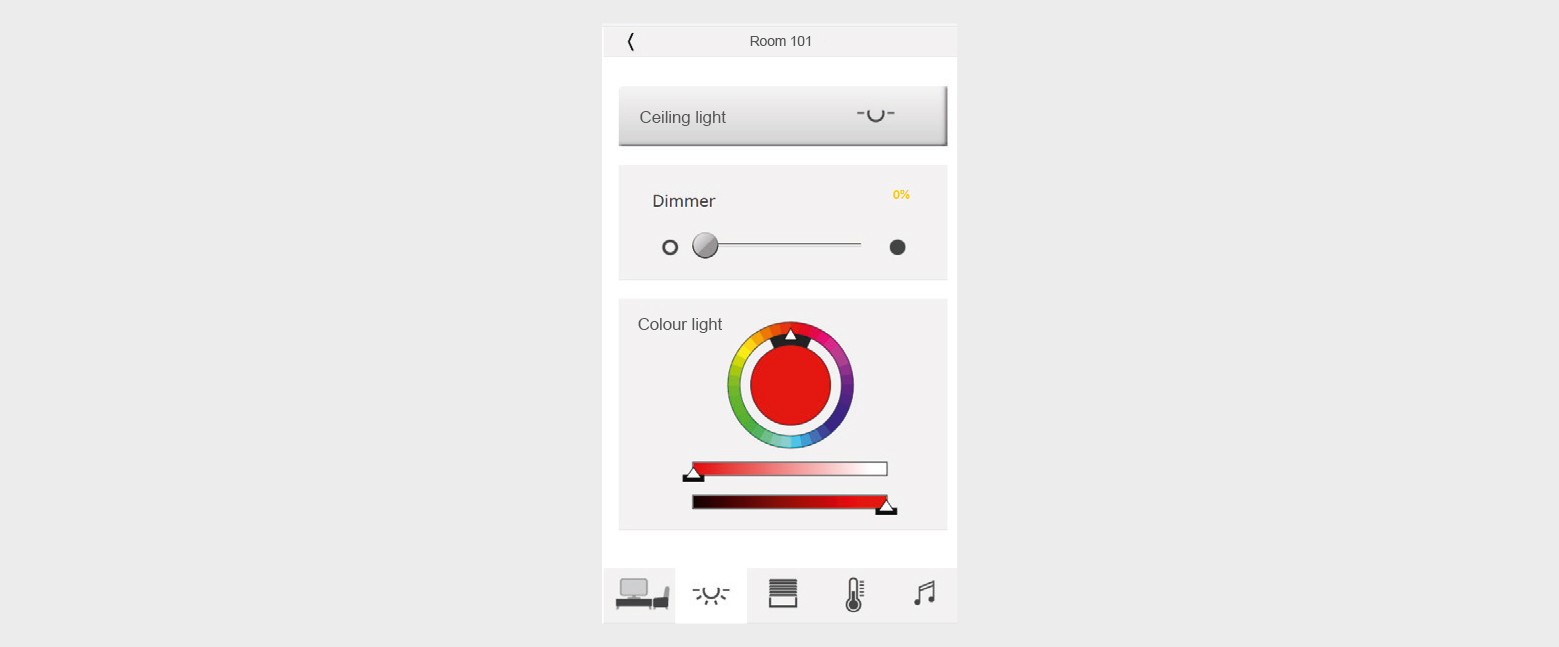
Required components | See also |
|---|---|
JUNG Visu Pro Hotel incl. external hardware | |
KNX IP router | |
KNX LED dimming actuator, 4-gang | |
KNX presence detector mini | |
Smart Control 8 | |
Network switch | Third party suppliers |
Room thermostat | |
RFID key card holder + energy saving unit | |
Push-button interface (for window contacts) | |
Bluetooth®-radio |
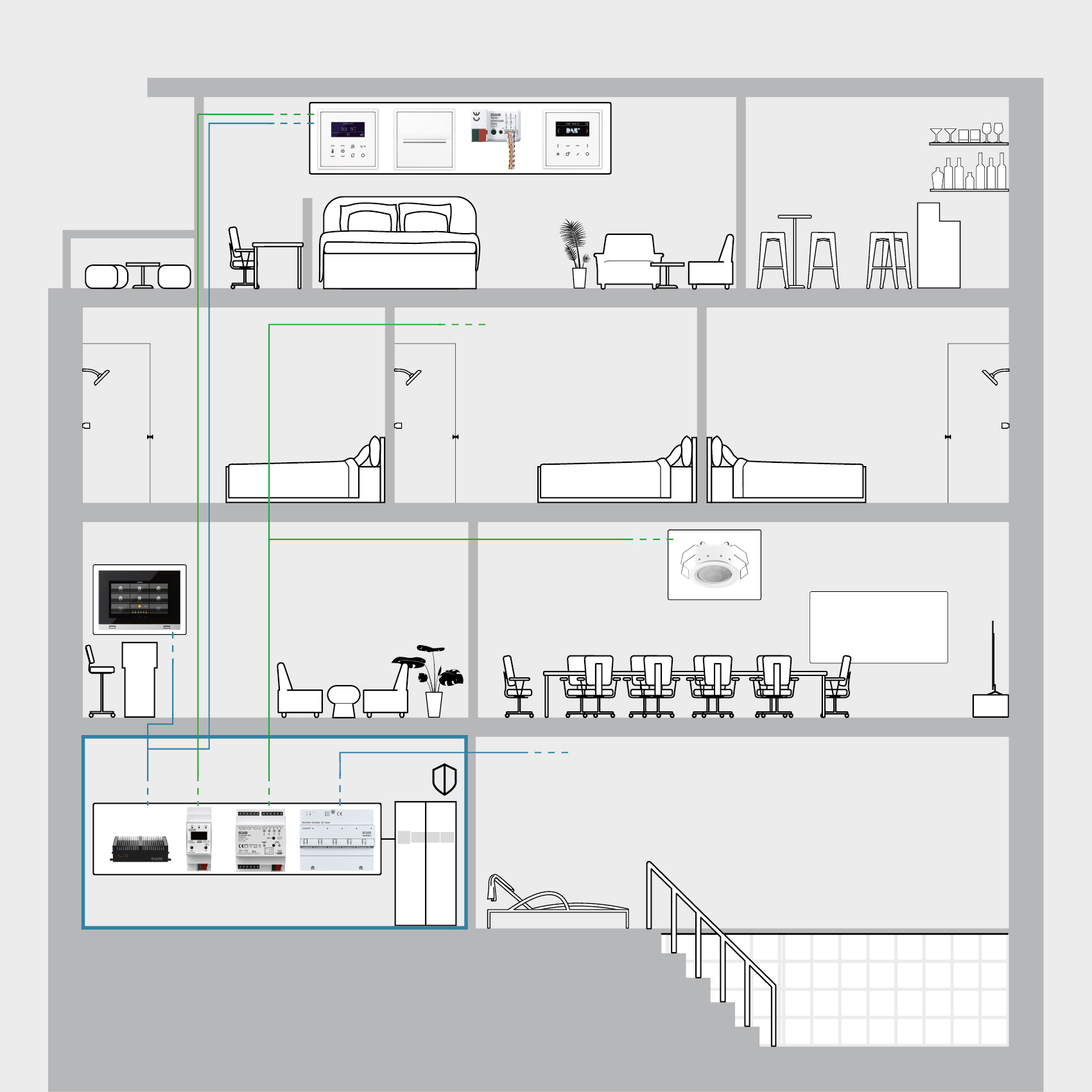
Steps in JUNG Visu Pro
- Install the KNX system according to manufacturer’s instructions.
- Export the KNX project.
- Start JUNG Visu Pro and import the project into the KNX project.
Establish the connection to the KNX data interface (IPR 300 S REG). - Establish a connection to the interface of the hotel management software-. Additional software is required for this.
- Create timer switches in the process module and add the desired functions for the devices.
- Start VisEditor and set up optimum resolution pages for the clients.
Use a template or create an individual page.
Protect admin pages with a password. - Start VisServer and select a project.
Allocate a home to every control unit (SC8) and configure the timer switch.
Additional note
The communication can also be set up with KNX IP Secure. This creates additional security in the network. To do so, you have to activate the security properties of the IP router and create the encrypted connection to JUNG Visu Pro.