Mix-up protection
Our intelligent covers from JUNG HOME can detect whether they have been placed back on the same insert type or even on the identical system insert after they have been removed and stored to be mounted later, for example for a renovation. The following rules apply so that the attachments can be assigned to the correct system inserts in each case:
- JUNG HOME covers, (for example JUNG HOME push-button 1-gang) recognize whether the cover has been replaced on the system insert with which the cover was originally put into operation. If the cover has not been placed onto the same system insert as previously, an error message is displayed. This absolutely ensures that covers of the same type that, however, differ in their configuration, are fitted onto the original system cover. If the status LED of the JUNG HOME push-button, the JUNG HOME motion detector or the JUNG HOME presence detector blinks red three times, the cover was previously linked to a different system insert. With the JUNG HOME room thermostat display, the message
Errappears on the display if the cover was originally fitted to a different system insert. - Fit the cover onto the associated system insert or alternatively reset the cover by simultaneously pressing and holding the operating buttons for switching, moving or dimming for longer than 4 seconds (e.g. press and hold "Up" and "Down" simultaneously).
Fitting a cover onto a system insert
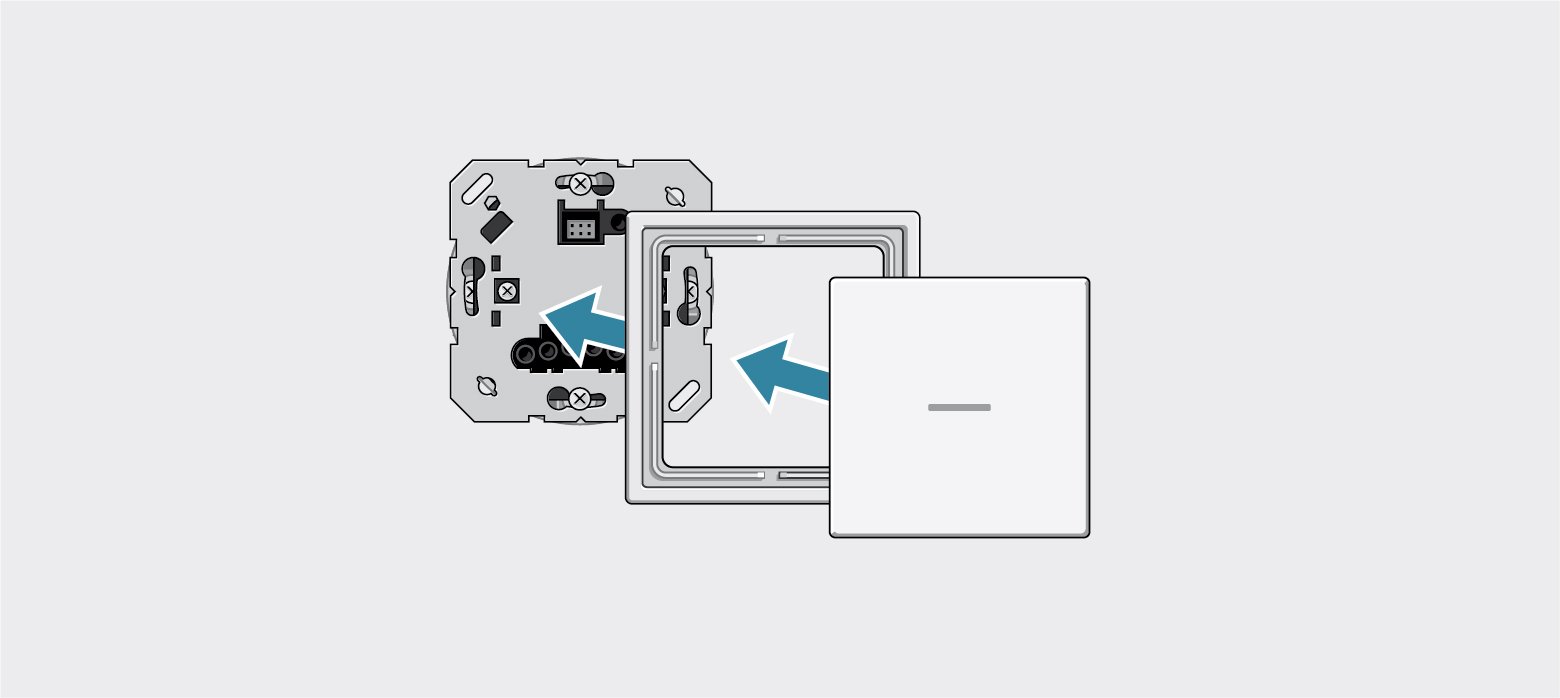
Blinking behaviour of the LED after the cover has been fitted onto a system insert
Blinking behaviour of the LED | Explanation |
|---|---|
The LED blinks 3x red or, with the JUNG HOME room thermostat display, the message | The cover was previously linked to a different system insert.
|
The LED blinks blue. | The cover has been fitted onto the system insert it was previously fitted to. However, the device is not yet linked with the JUNG HOME app. |
The LED does not blink or the LED blinks blue briefly | The short blue blinking of the LED shows that the time has not yet been configured. The cover has been fitted onto the system insert it was previously fitted to. In addition, the device has already been put into operation with the JUNG HOME app. |