The programming menu of the room thermostat display
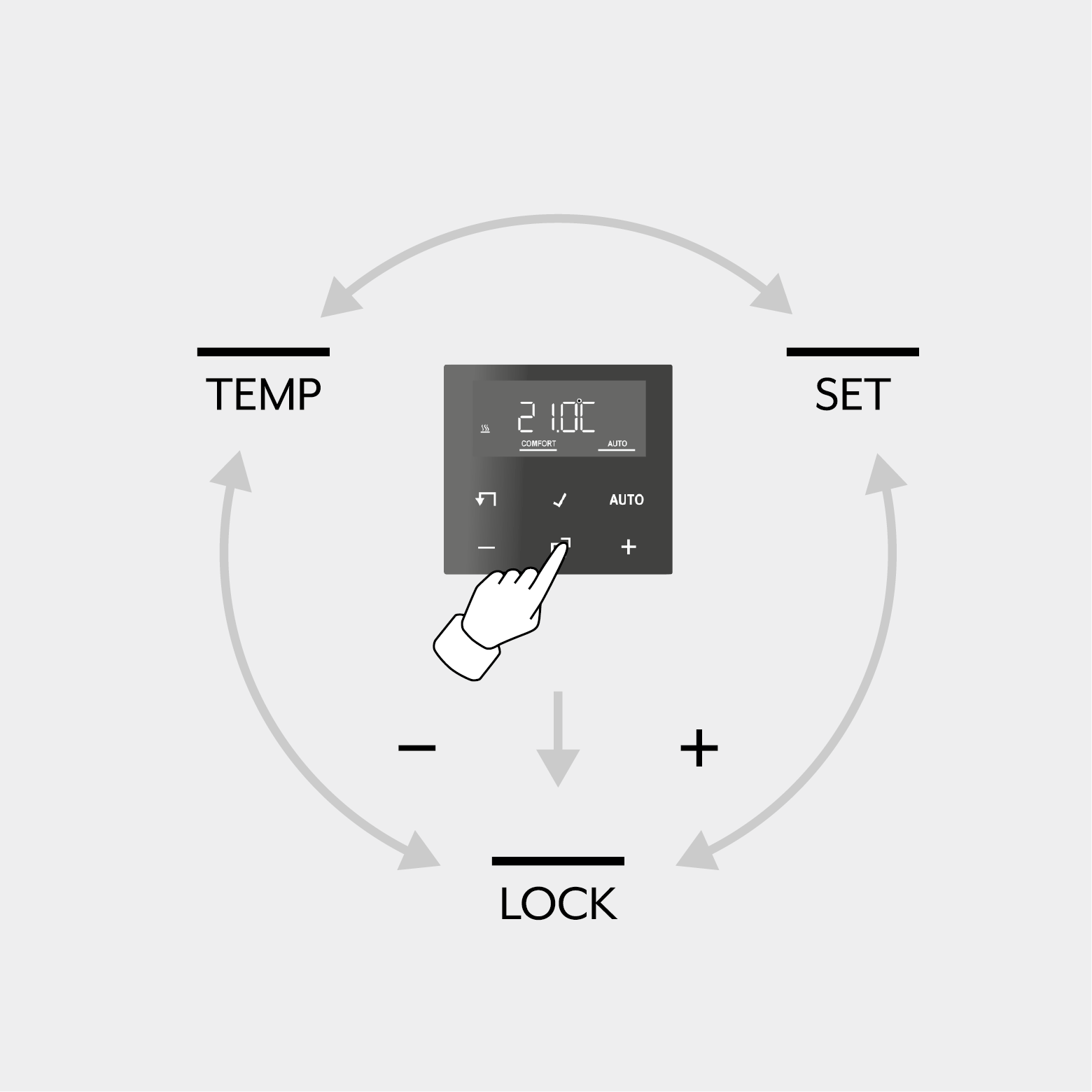
- Tap the Menu button to open the programming menu or to exit the programming menu.
- Tap the Plus or Minus button to reach the desired functions.
- Tap the OK button to confirm your selection.
The following menu items can be selected in the programming menu:
- LOCK: activate or deactivate operating lock
- SET: setting of date, time and automatic summer time changeover
- TEMP: configuration of the cooling, comfort and ECO temperature, activation of optimised heating up, temperature drop detection and configuration of an offset value