Use system time of a router
As an alternative to the NTP time server, you can also use the system time of your router.
Note
First check whether your router can be used as an NTP server in your home network. Detailed information for this can be found in the manufacturer documentation of your router. A ZyXel VMG 8546 is used in the following example.
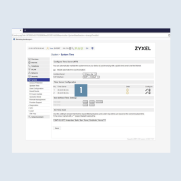
- Log in to the user interface of your router and open the system time settings. There you can either make a
user-defined time settingor set a newNTP time serverfrom the Internet 1.
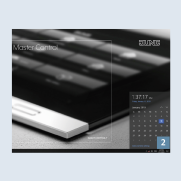
- Now open the
clock2 again in your JUNG VISU PRO Server and repeat the steps in Chapter 3.1 to adjust theInternet time settings.
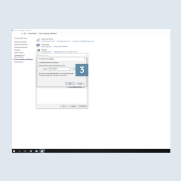
- Enter the
nameor theIP address (default gateway)3 of your router in theServerinput field in theInternet timetab.