Configure voice control in JUNG Visu Pro
To make your KNX system or other functions controllable using voice commands with the JUNG Visu Pro and to complete setting up the voice service, carry out the following steps in the process model.
Note
Do not forget to save your changes in the process model.
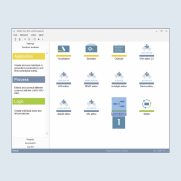
- Start the JUNG Visu Pro software on your server and open the
process model editor1.
The process model for your project lists all available data points and KNX group addresses for you.
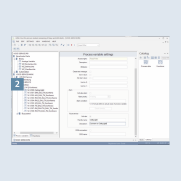
- Select the
Data pointor theFunction2 that you want to control by voice.
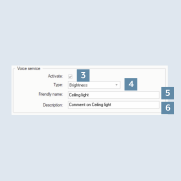
- Once you have selected the function, tick
Activate3 in theVoice servicewindow. - Afterwards, select the appropriate
Function type4 (e.g. brightness for a lamp) and allocate aDisplay name5 for the function and also abrief description6. The name will be used later as a voice command for your smart speakers.