Activation of JUNG Smart Visu Server service for Google Home
Finally, if you use a Google Home Smart Speaker, connect the Smart Visu service to your myJUNG account.
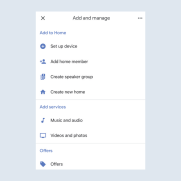
- In the
Google Home app, tap theSet up devicemenu item.
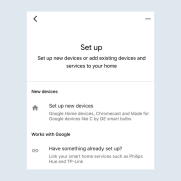
- Add
available devices and servicesto the Smart Speaker.
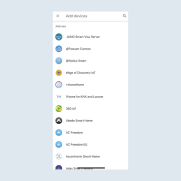
- Select a service from the list of devices that you want to add to Google Home Smart Speaker, for example
JUNG Smart Visu Server.
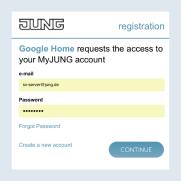
- Activate the service by entering your
myJUNGlogin details and connect to your JUNG Smart Visu Server.
You now only have to search for your devices.