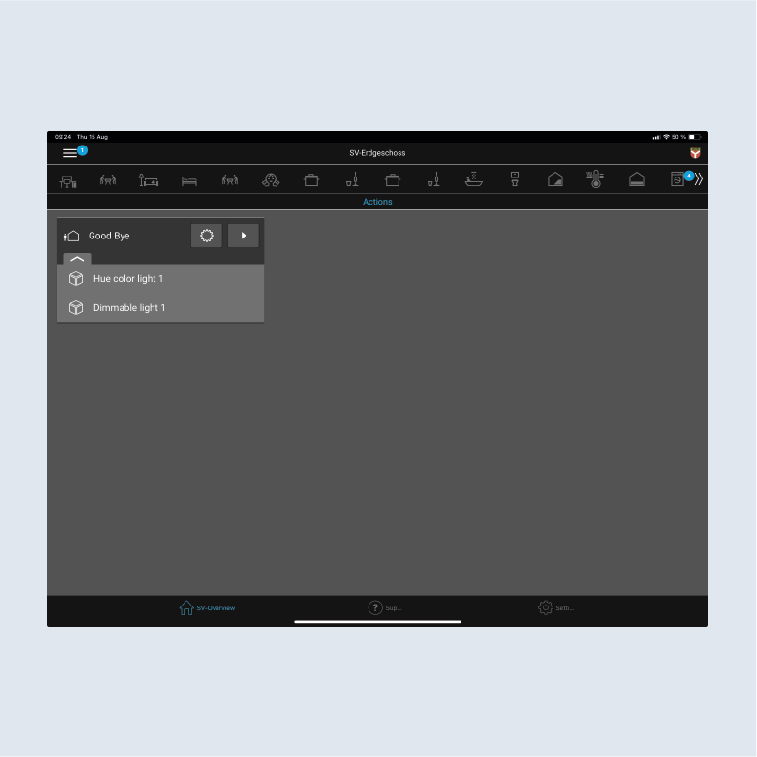
“Goodbye” action
This action is for switching off all Hue lamps when leaving the apartment by pressing a button.
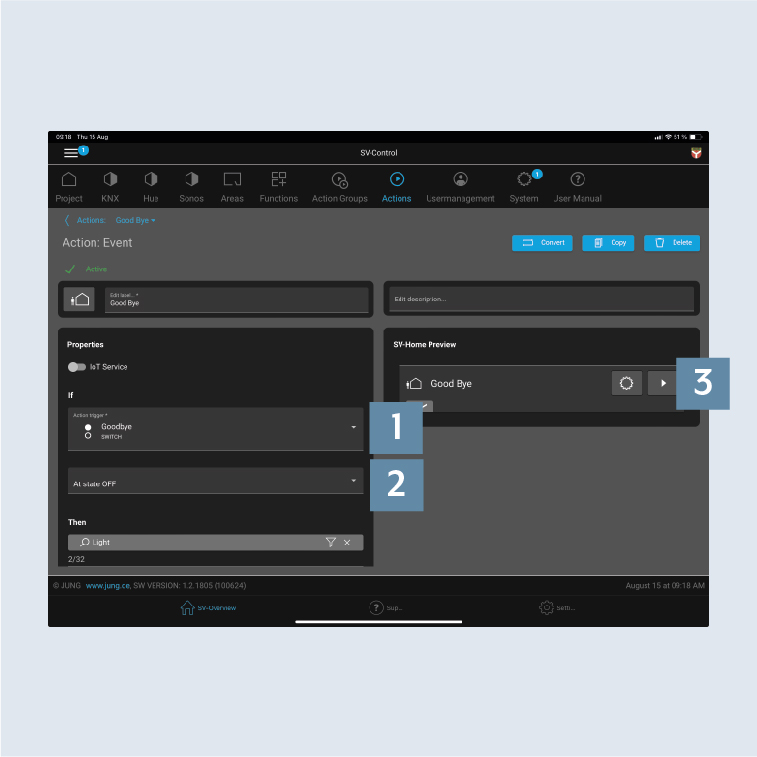
- Create the action on the
Actionstab, allocate the action as necessary to an area and select the type of action asEvent-dependent1. - Select an
action trigger. Here e.g. the "Switch Good Bye" push-button and specify thestateto trigger the action:"At state OFF“2. - Add the appropriate
Functions- hereHue lamps3 - to the action.
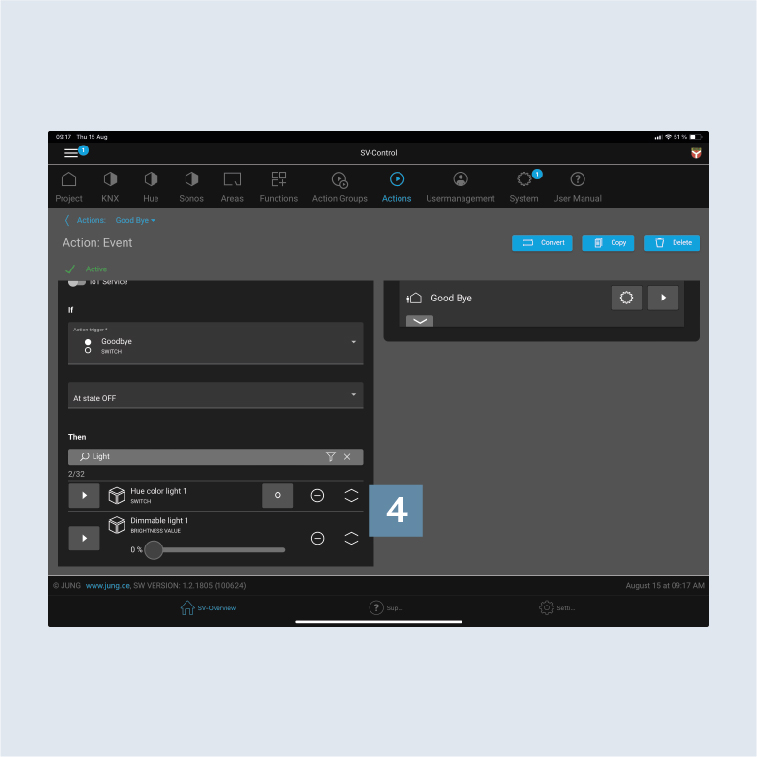
- Specify which
Statusthe functions (Hue lamps) have whentriggered4, e.g.:
- lamp off
- Brightness/dimming value 0 percent
- After you have saved the action, it can be called in SV-Home under
Actionsand with the KNX push-button. - Add the action to an area, e.g. Actions. Now you can call the action with the push-button and via the Actions area.