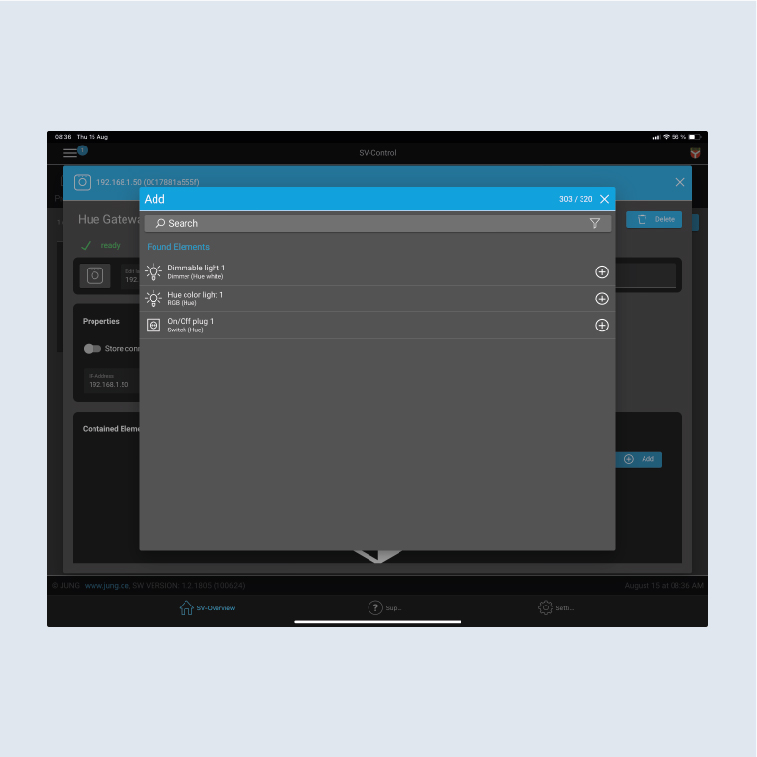
Configuration of a Hue application – general configuration
The connection of Philips Hue to the Smart Visu Server is explained below.
- The SV Server automatically recognises the IP address of the Hue Bridge and displays it in the
Hue IP Gatewayfield. - Click on
+in theHuearea. The Hue Bridge found is displayed.
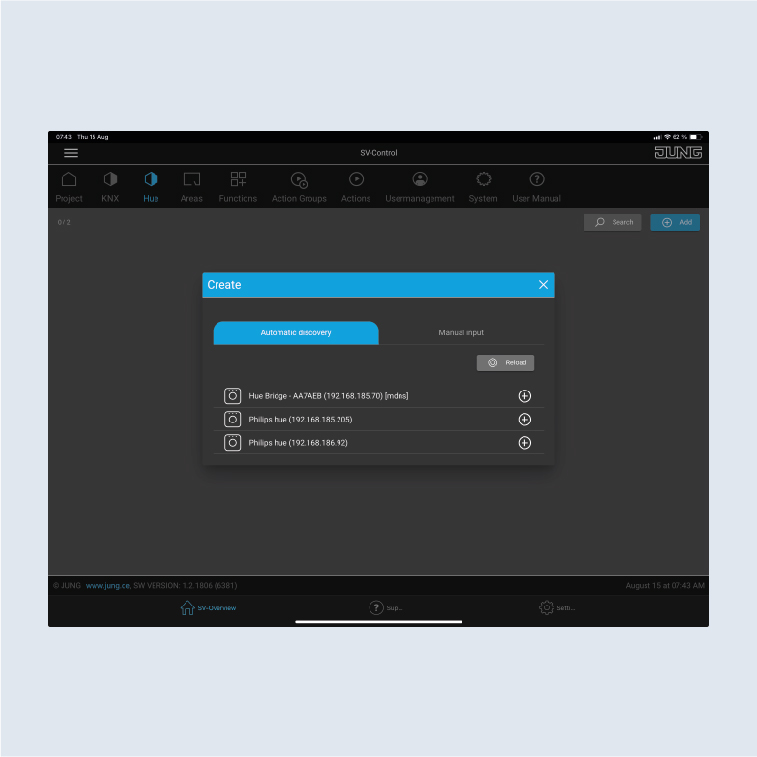
- If the Bridge is not automatically recognised, enter the IP address manually.
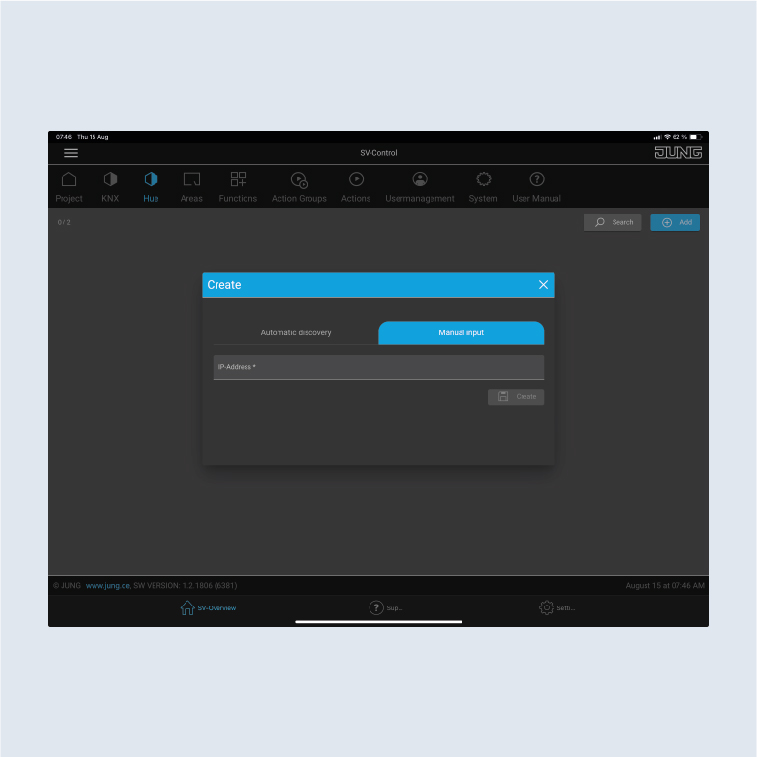
- Select
Addto pair lamps with the SV-Server.
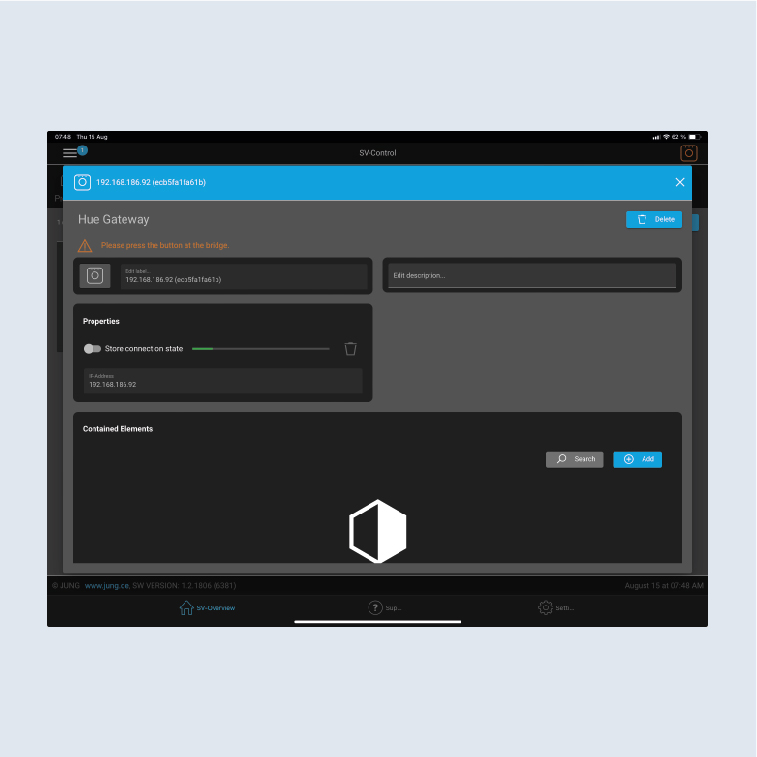
- Click on
+to add the Hue Bridge. - Press the button on the Hue Bridge.
- Click on the
+to search for existing luminaires.