Saving the project
Congratulations – you now know how you can quickly and easily create one or more presence simulations with your Smart Visu Server thanks to the action groups!
Do not forget to backup your project data and activate the access protection!
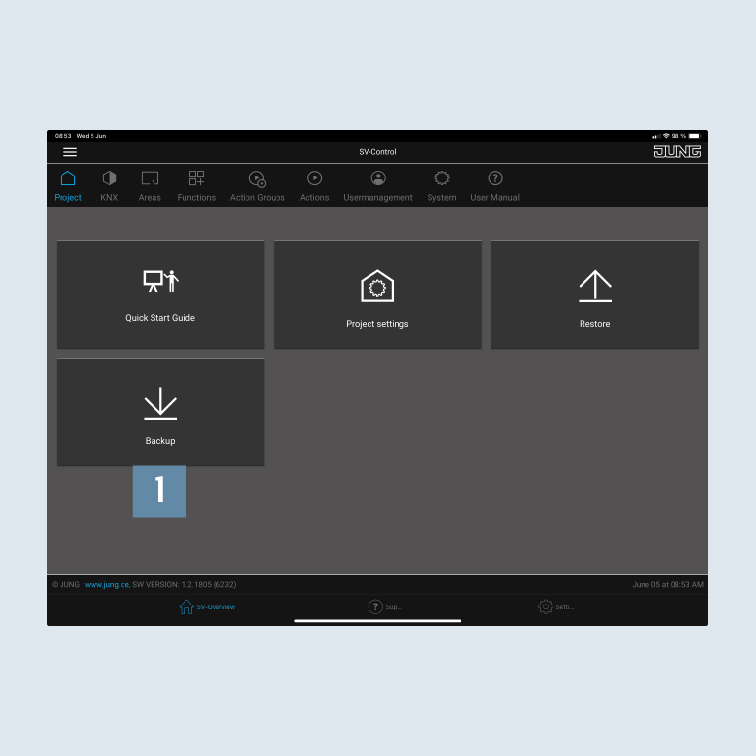
- Call SV-Control to backup your project file. Save the project and your configuration under
Backup1 on the Project tab.
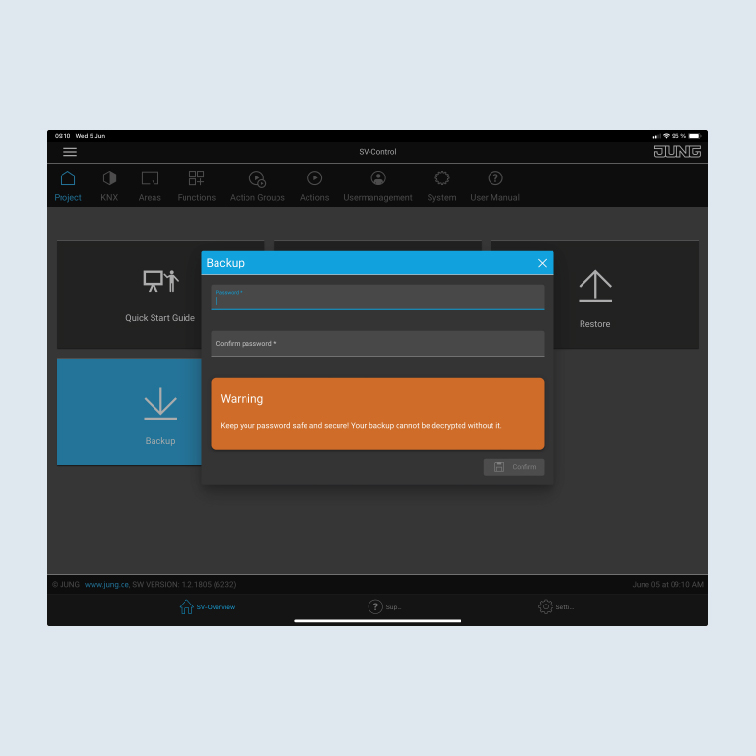
- Provide a secure password for the backup.
You will need this password to restore the project.