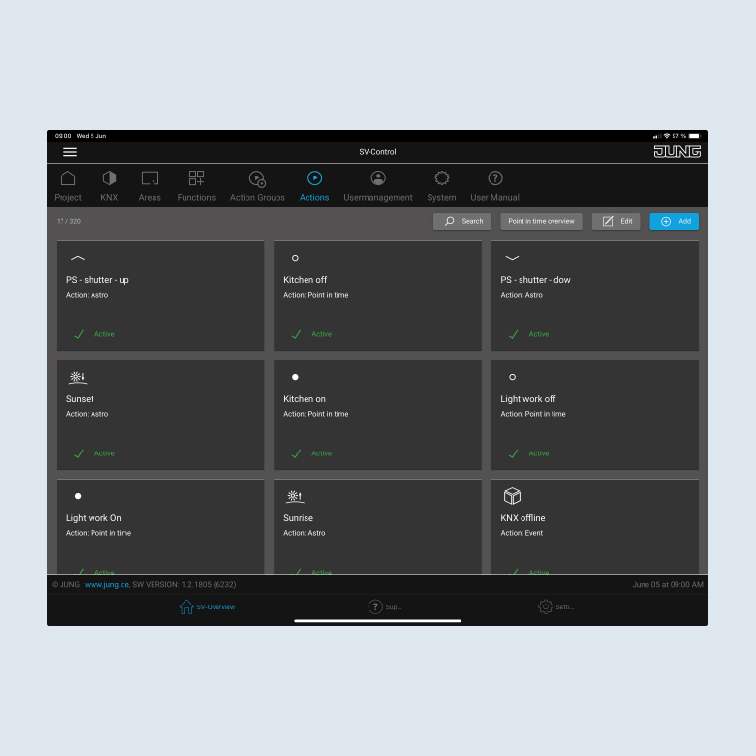
The Smart Visu Server
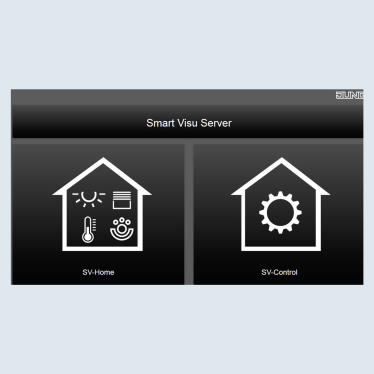
The Smart Visu (SV) Server gives you the choice of two different areas on the start page:
- SV Home: operation and visualisation
- SV control: editing and setting
Functions of the Smart Visu Server
On this page you get a short overview of the functions of the SV Server. On the following pages you will find out how to commission the SV Server and how to create areas, functions and actions.
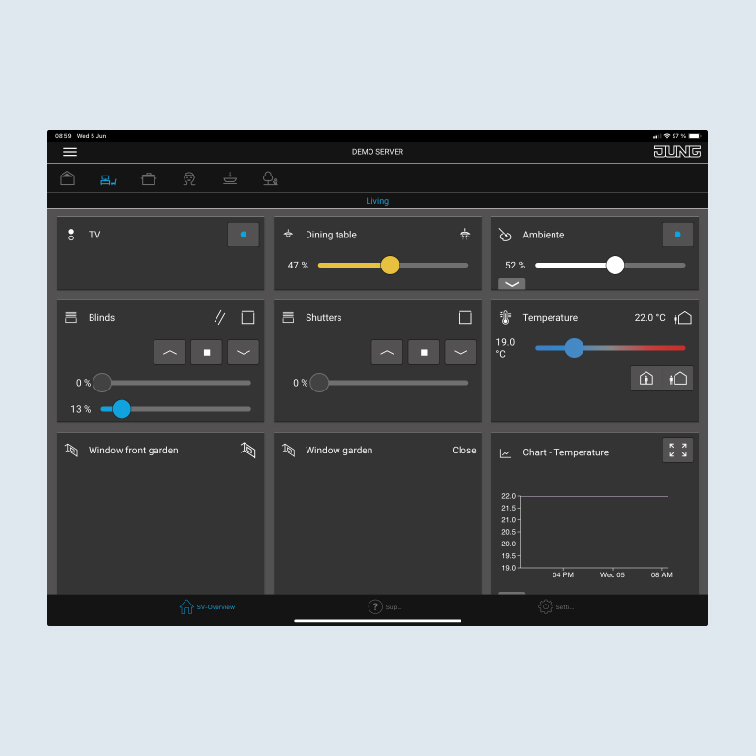
SV-Home is the operating and visualisation interface with which you control and operate your home and call up actions (scenes).
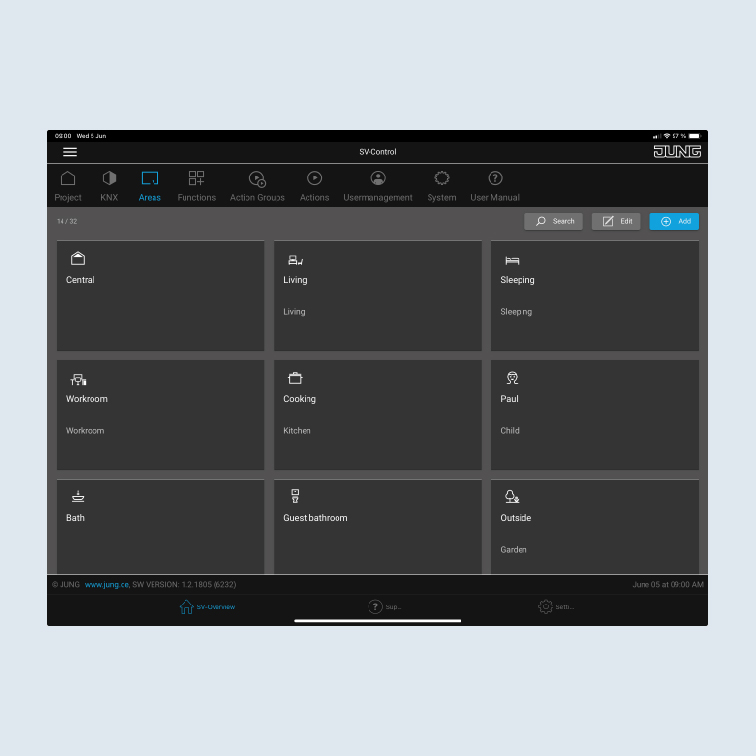
You create your rooms in SV-Control on the Areas tab. You can continue to create new functions for your lighting such as switching and dimming on the Functions tab. Afterwards, you add the functions to your rooms.
Using SV-Control, create actions in which, for example, the light illuminates on specific days, at specific times, with a colour set by you.