Saving the project
Congratulations! You now have more transparency in your home.
On the basis of the saved data, you can create more charts to compare data.
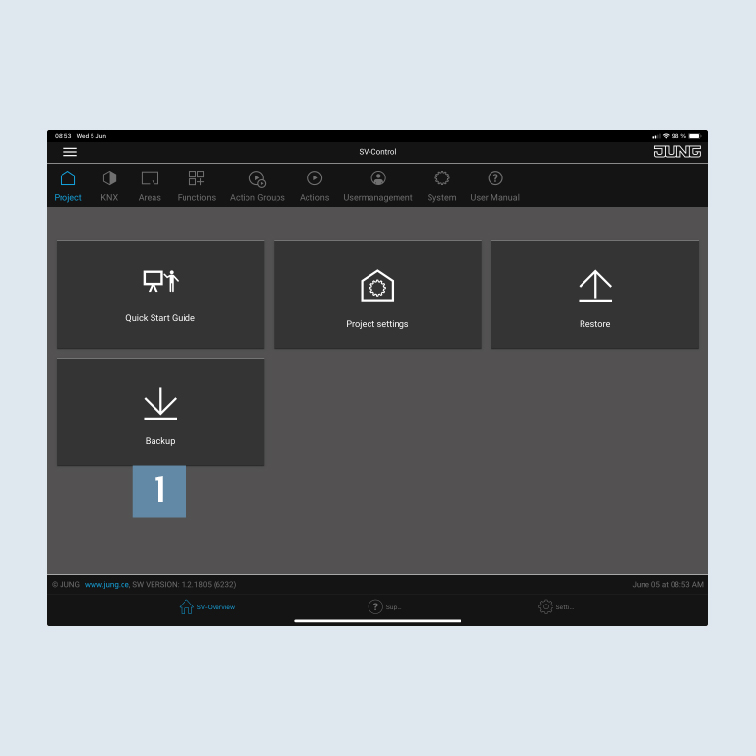
- Call SV-Control to back up your project file.
- Save the project and your configuration under
Backup1 on the Project tab.
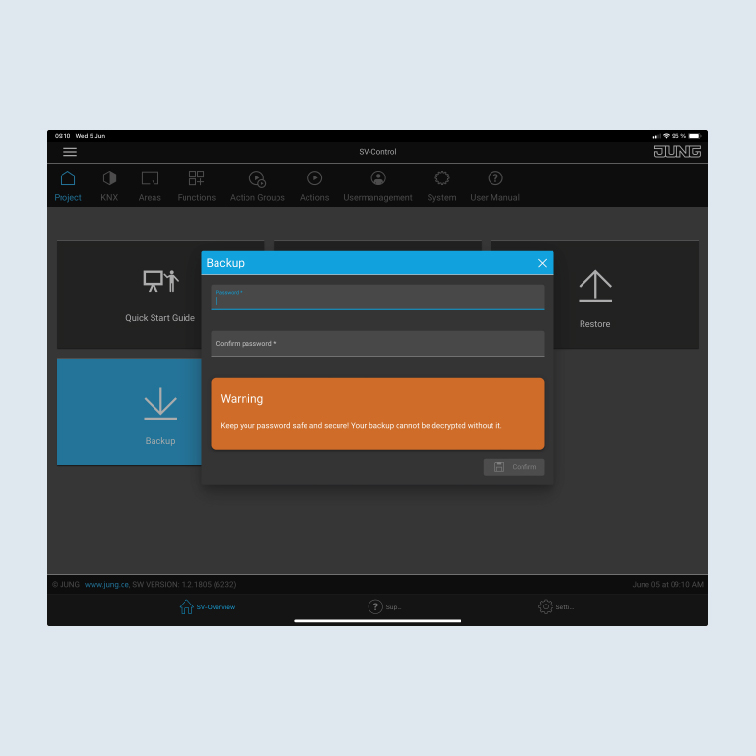
- Provide a secure password for the backup.
You will need this password to restore the project.