Change the colour of the status LED
The JUNG HOME SCHUKO® socket has seven configurable colours and OFF for the status LED. In this way, the actuator state is signalled.
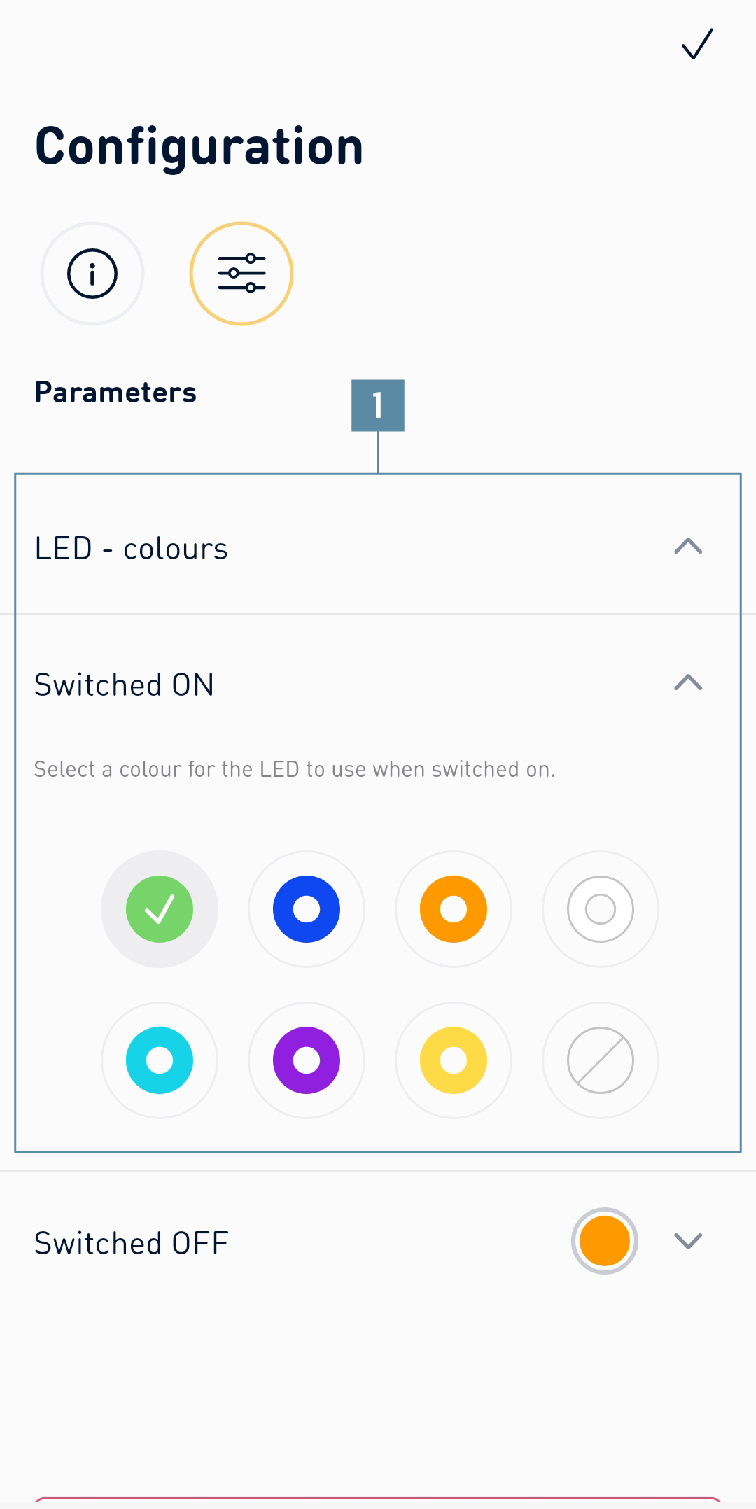
How to configure the colour of the status LED:
- Press the
socketsymbol on thefunction baron theHomescreen. - Select the appropriate JUNG HOME socket, e.g. JUNG HOME SCHUKO® socket.
- Press on the
gearsymbol to reach the parameter settings. - Select the desired colour for
switched onandswitched off(1). - Press on the
tickto save the settings.