Operation of the JUNG HOME room thermostat display
The functionality of the JUNG HOME room thermostat display can easily be configured using the JUNG HOME app.
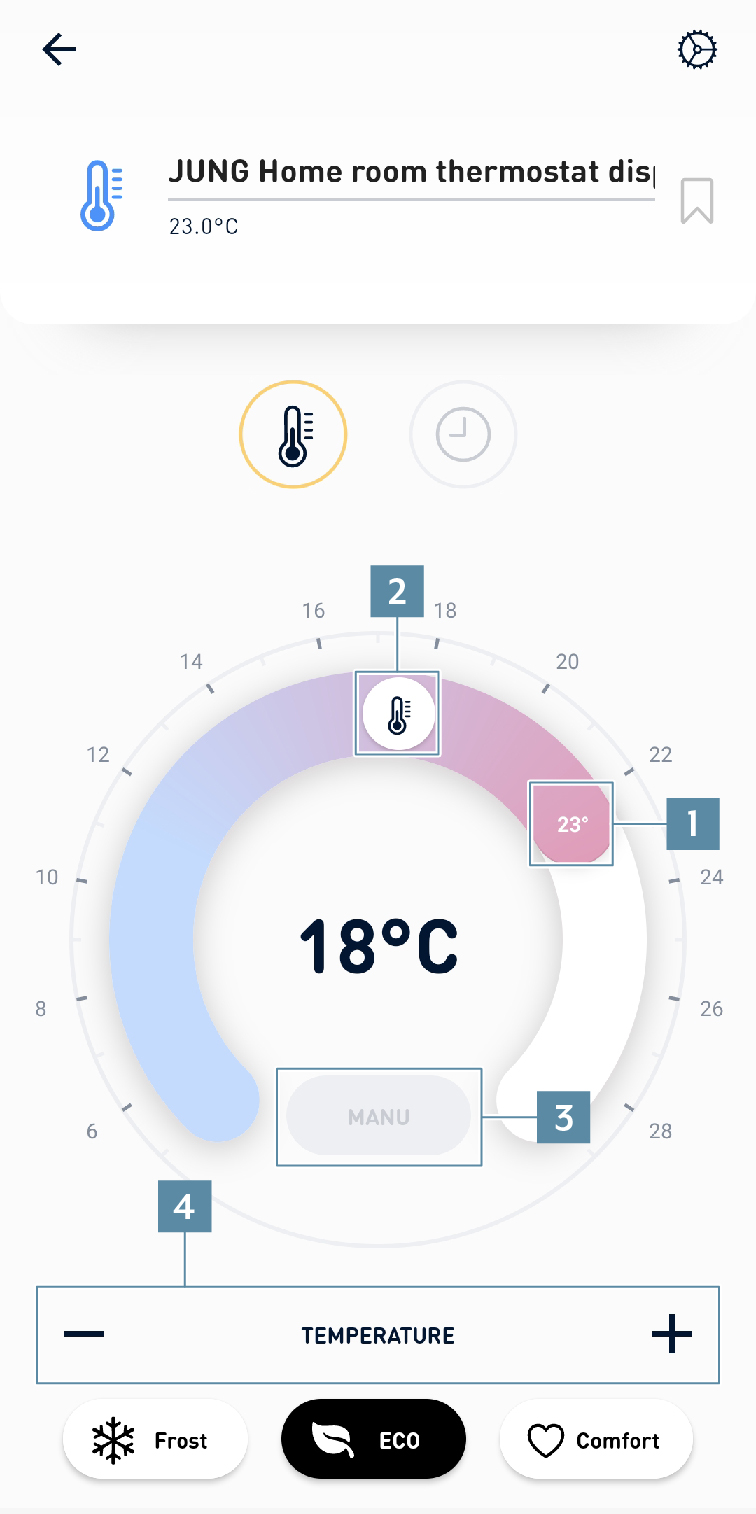
1 | Here the current actual temperature is displayed. |
2 | Here the setpoint temperature is specified. |
3 | Using the AUTO button, you can switch between:
|
4 | With the buttons for frost protection, ECO and comfort temperature, you trigger a configurable setpoint temperature. These temperatures can also be configured with a long press on the |