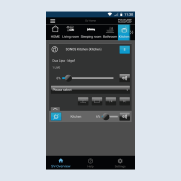
Connect loudspeaker to KNX push-button sensor
The following steps help you with the set-up for controlling Sonos with the KNX rotary sensor.
- Create a function for the KNX push-button sensor. Select the area
Kitchen1 and assign a name, for example,KNX -> Sonos Kitchen (push-button)2.
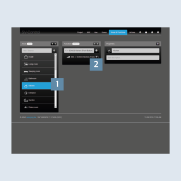
- Select the function type
Virtual dimmer3.
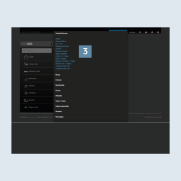
- Under
Settings, enter the previously created KNX group addresses for theVirtual dimmerfunction 4. If necessary, use the list function on the right next to the input field.
- Volume (4 bit) > Dim > Rocker 1.
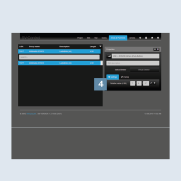
- Go back to the Sonos loudspeaker (
Sonos Kitchen) 1. - Under
Coupling2, all coupled KNX group addresses are displayed to you with which you can operate your Sonos loudspeaker.
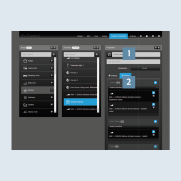
- Now add the function
Virtual DimmerorKNX > Sonos Kitchen (push-button)to control the volume 3. - Ensure that the Master button
 is activated 4.
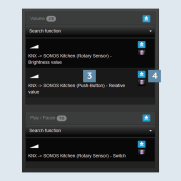
The image shows the Sonos control in SV-Home. You can now conveniently control your favourite music via the JUNG KNX rotary sensor, KNX push button sensor and on the move via the SV-Server app.