Connect loudspeaker to KNX rotary sensor
The following steps help you with the set-up for controlling Sonos with the KNX rotary sensor.
- In the
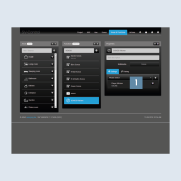
Properties, underSettings, select and add your desired Sonos loudspeaker from the drop-down list 1. You can assign multiple loudspeakers here using the dynamic group function.
- Create a function for the
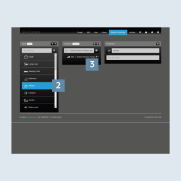
KNX rotary sensor. Select the areaKitchen2 and assign a name, for example,KNX -> Sonos Kitchen (rotary sensor)3.
- Then select the function type
Dimmer + Switch4.
- Under
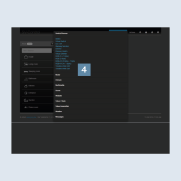
Settings, enter the previously created KNX group addresses for theDimmer + Switchfunction 1.
- Play/Pause (1-bit) > switch > push button
- Volume (1 byte) > value > rotary knob
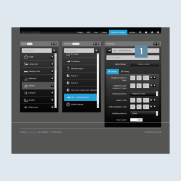
The list selection 2 on the right next to the input fields shows you all suitable group addresses of the installation 3.
- Navigate to the
Couplingtab 4.
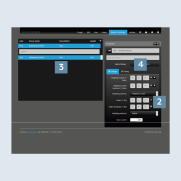
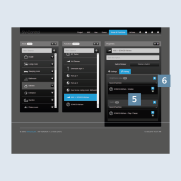
- Now connect (couple) the KNX group addresses to the Sonos loudspeaker or the Sonos group (Kitchen) 5.
- Ensure that the Master button
 6 is activated for all Sonos loudspeakers in this group.