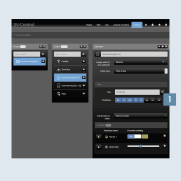
“Good morning [Mo – Fr]” action
This action switches the lighting for your room at a specified time. In addition, a defined light colour is set for when the action is triggered.
- Create the action in the
Actionstab and select the time schedule action type.Programme the timer1, e.g.:
- Mon – Fri 07:00
- Bedroom
- Assign the
Actionto theroom (area).
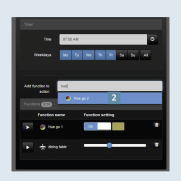
- Add the appropriate
functions (Hue lamps)2 to the action.
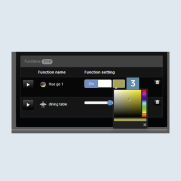
- Set the desired
ambiance3. Select the colour, saturation and brightness in the colour area with the crosshairs.
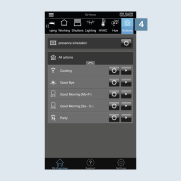
- After you have saved the action, it can be called in the SV Home under
Actions4.