Room settings
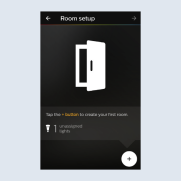
As soon as you have confirmed the selected lamps, you come automatically to the room settings.
- Add your new rooms using
+.
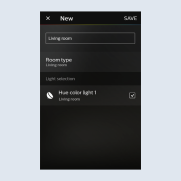
- Name your room and specify the
Room type. Use to add lights to your room.
 - Save your configuration with
Save.
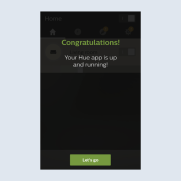
- Setting up the Philips Hue app is complete. Press
Startto control your Philips Hue installation.