Set up email server settings
First of all you should specify the email server settings for your email provider.
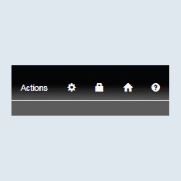
- Open your system settings in SV Control using the
cogwheel.
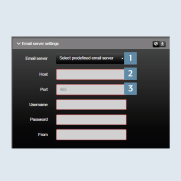
- In the email server settings tab, you will find the preset email server settings for several providers under
email server1. If you do not use any of the listed providers you will have to enter thehost2 andport3 for your provider. You can find out the host and port used by your provider viahttps://www.pop3-imap-smtp.de.