Action “Good evening [Sa – Su]”
This action should automatically lower the blinds at the weekend at sunset, put the lighting in the living room into a relaxed ambiance and switch on the outdoor lighting. The action already starts half an hour before sunset.
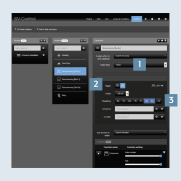
- Create an action on the
Actionstab and select theAstroaction type 1. Select theSunset2 trigger and the desiredweekdays3 includingConditions:
- Shift -30 minutes
- Sat & Sun
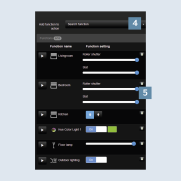
- Add the appropriate
functions4 to the action - hereblindsandlighting. - Adjust the desired states using the
sliders5, e.g.:
- Blind position 100%
- Slat 100%
- Lighting on or 100 %
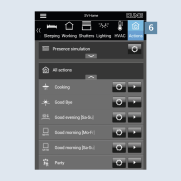
- After you have saved the action, it can be called in the SV Home under
Actions6.