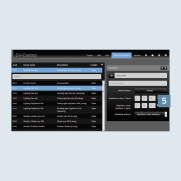
Set up areas and functions
After you have established the connection to the KNX bus, you now create areas and functions in the SV Server.
Note
The following is based on a configured system with already created functions and rooms.
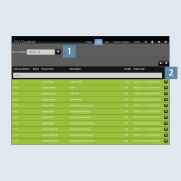
- Enter the IP address of the KNX IP interface in the
KNX-IP-Gatewayfield 1 on theKNXtab. - Then import the required
group addresses2.
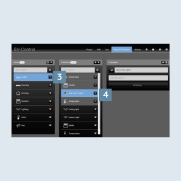
- You can create
rooms (areas)3 andfunctions4 on theAreas & Functionstab.
- Allocate the
appropriate group addresses5 to the function.