Creating action groups
As soon as all actions have been created, allocate the actions to the first action group, Summer holiday.
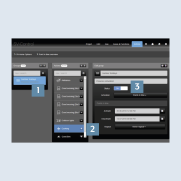
- Create the
Summer holidaygroup on theActionstab 1. - Use
+2 to add the desired actions to the group. - Set the status of the group to
On3.
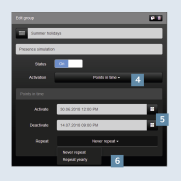
- Select the activation
Switching times4. - Specify the
time periodfor theactivationordeactivation5 – in this case the time of your absence during the summer holiday. - Optionally, you can also set an
annual repetition6.
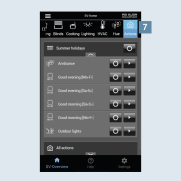
- After you have successfully created the group, it appears in SV Home under
Actions7. All actions belonging to the group are henceforth called at the defined time with a random delay. - Using the respective
gear icon, you can adapt an action or group.