Commissioning Smart Visu Server
Integrate the Smart Visu (SV) Server in your home network.
- Call the SV Server via the web browser of your terminal device (PC, laptop, tablet).
To do so, enter the address http://sv-server.local or the IP address of the SV Server allocated by the router. - If the SV Server is protected by a password, enter this.
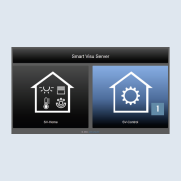
- Select the
SV-Controlbutton 1.
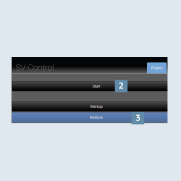
- Create a new project with
Start2 or import an existing one withRestore3 and navigate to theKNXtab.