Remote access using iOS
Perform the following steps to set up remote access for your SV Server using the iOS app.
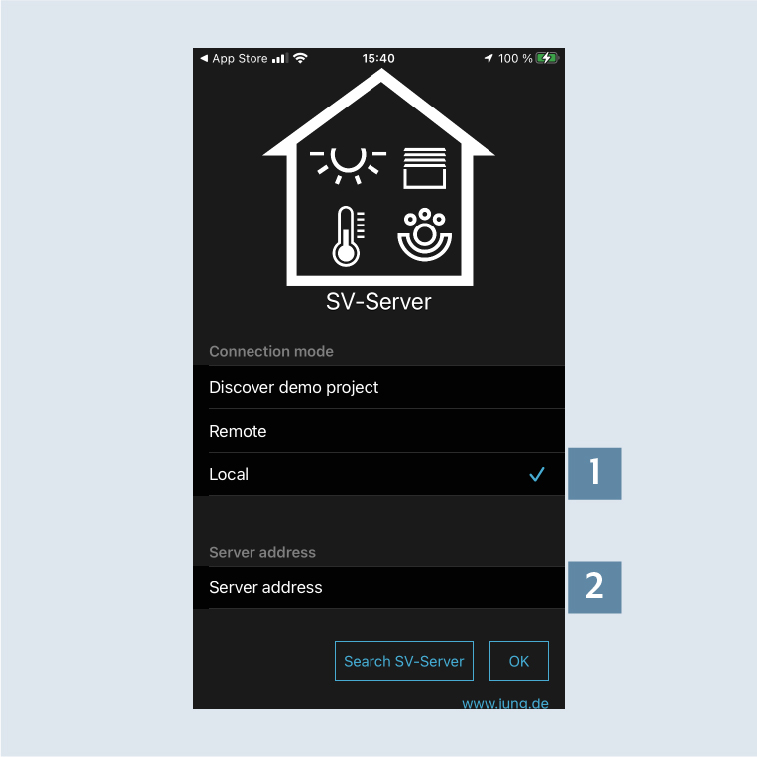
- When starting the app for the first time, select
Local onlyand enter theIP address of the SV Server2. - Then enter your access details for the remote access by tapping on
Remote onlyand confirm your entries withOK. You can now control your home system locally or remotely.
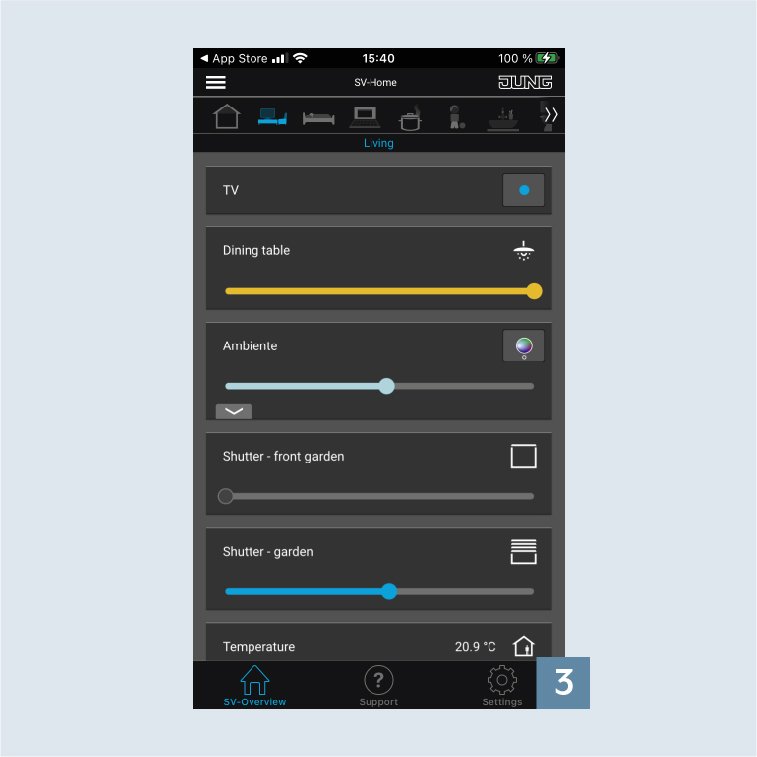
- Call up the app settings by tapping on the
gear3.
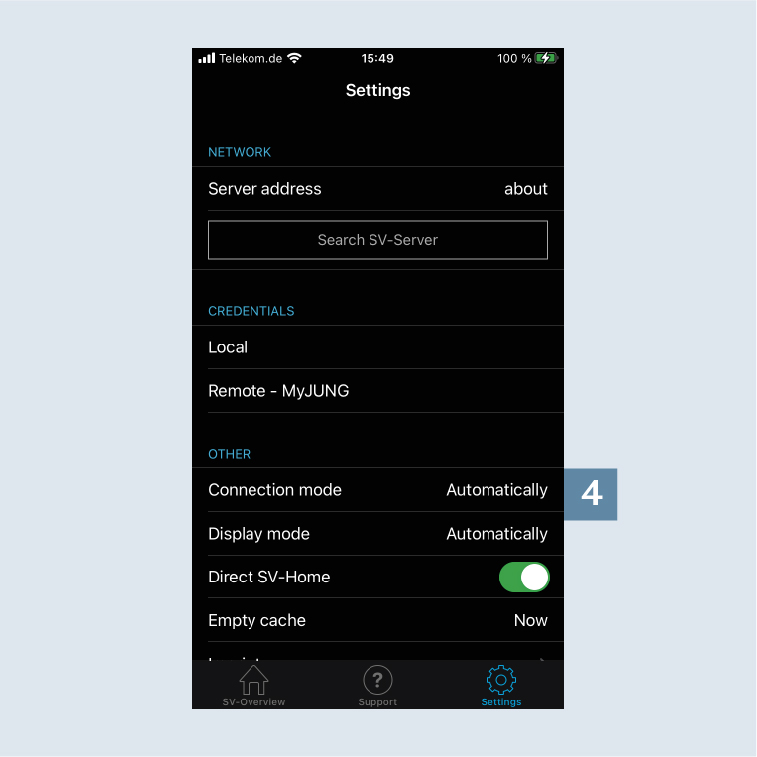
- You usually select the
Automaticconnection mode 4.
If required, the connection to your home system can also beLocal onlyor exclusively viaMyJUNG.