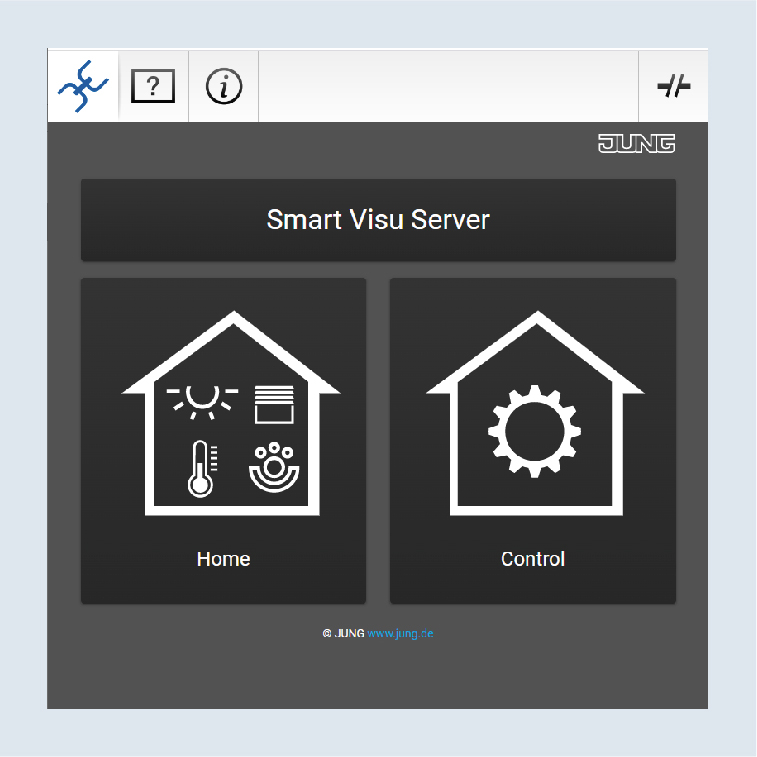
Remote access with PC
The control of your home system via remote access is secure and platform-independent. The following pages describe how to set up remote access for your SV Server with various terminal devices, starting with a PC.
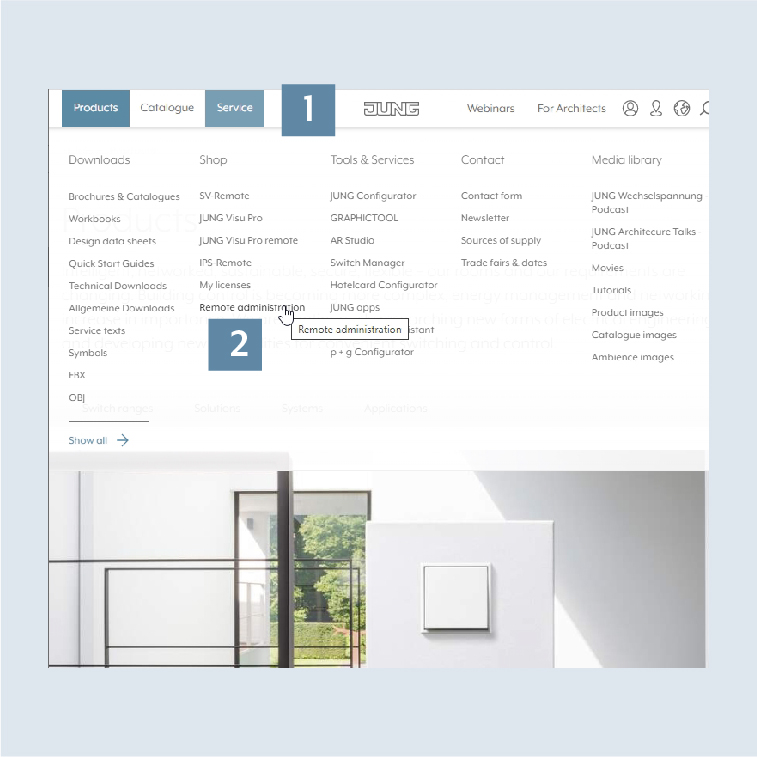
- Open the
Servicetab 1. - Navigate there to
Shopand click onRemote administration2.
- Select your desired server there and click
Start3.
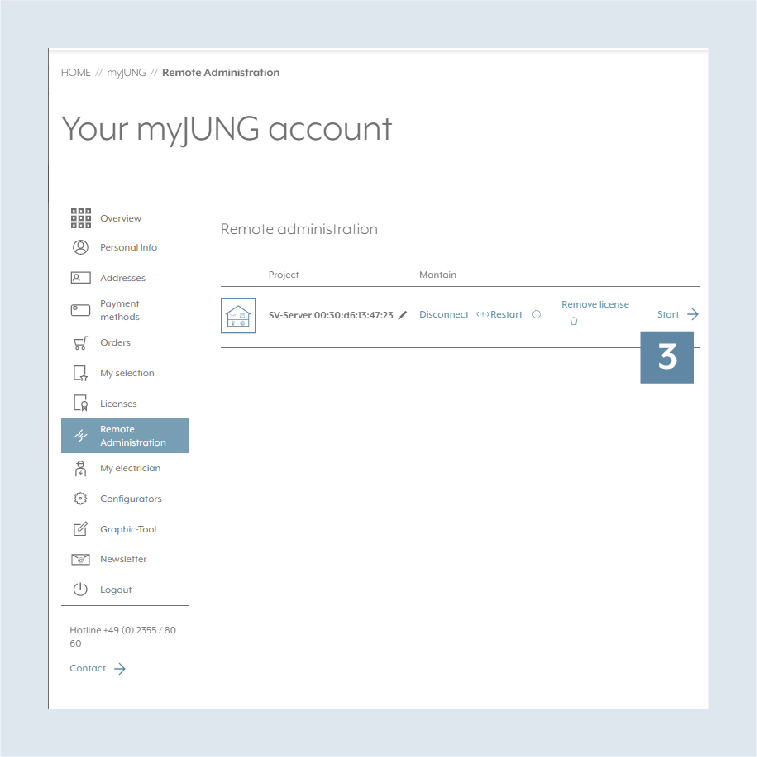
- The access to your desired home system is now established.