Set time automatically
If the time of the JUNG VISU PRO server is not displayed correctly although you have carried out the steps described above and a connection to the time server exists, you can correct this with a simple step.
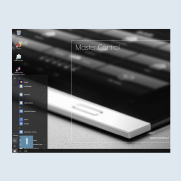
- Click on the Windows icon in the taskbar or press the Windows key to call the Start menu and open
Settings1.
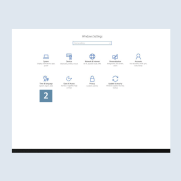
- Then select
Time & language2.
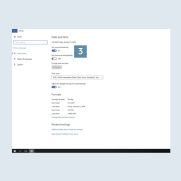
- You can activate or deactivate the automatic time update of the system using the
Set time automaticallybutton 3. - If you want to update your JUNG VISU PRO Server quickly, set the button here to OFF and then ON - the current time is retrieved from the time server.