Change update rate manually
Now that you know how to synchronise the time of your JUNG VISU PRO Server, the next section explains how to set the update rate of the clock.
Note
The update interval is set to 86,400 seconds (this corresponds to exactly one day) as default.
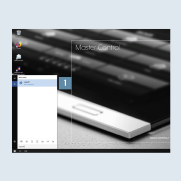
- Click on the magnifying glass at the bottom left of the taskbar and enter the command
regeditin the search field 1. Press the Enter key to confirm the input.
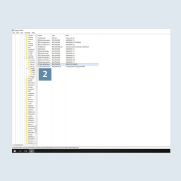
- Navigate to the subitem
HKEY_LOCAL_MACHINE\SYSTEM\CurrentControlSet\services\W32Time\TimeProviders\NtpClient2.
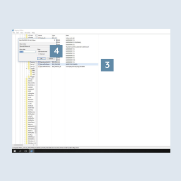
- Then double click on
SpecialPollInterval3 on the right.
A pop-up window opens where you can write the value (in seconds) for theupdate interval(decimal) 4 – e.g. 86,400 seconds (1 day).