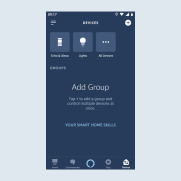
Set up JUNG Visu Pro for Amazon Alexa
The following steps show you how to set up the JUNG Visu Pro skill for Amazon Alexa.
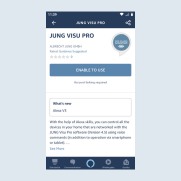
- Search for the
JUNG Visu Pro Skillin theAmazon Alexa app.
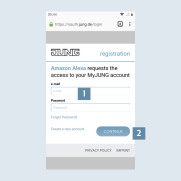
- Enter your
MyJUNG login details1 and click onContinue2 to activate the JUNG Visu Pro skill. By entering your login details, the JUNG Visu Pro skill is connected to your JUNG Visu Pro server.
- Finished! You only have to select your devices.
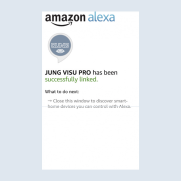
- The Amazon Alexa app shows you the voice-compatible devices and functions on your KNX system.